
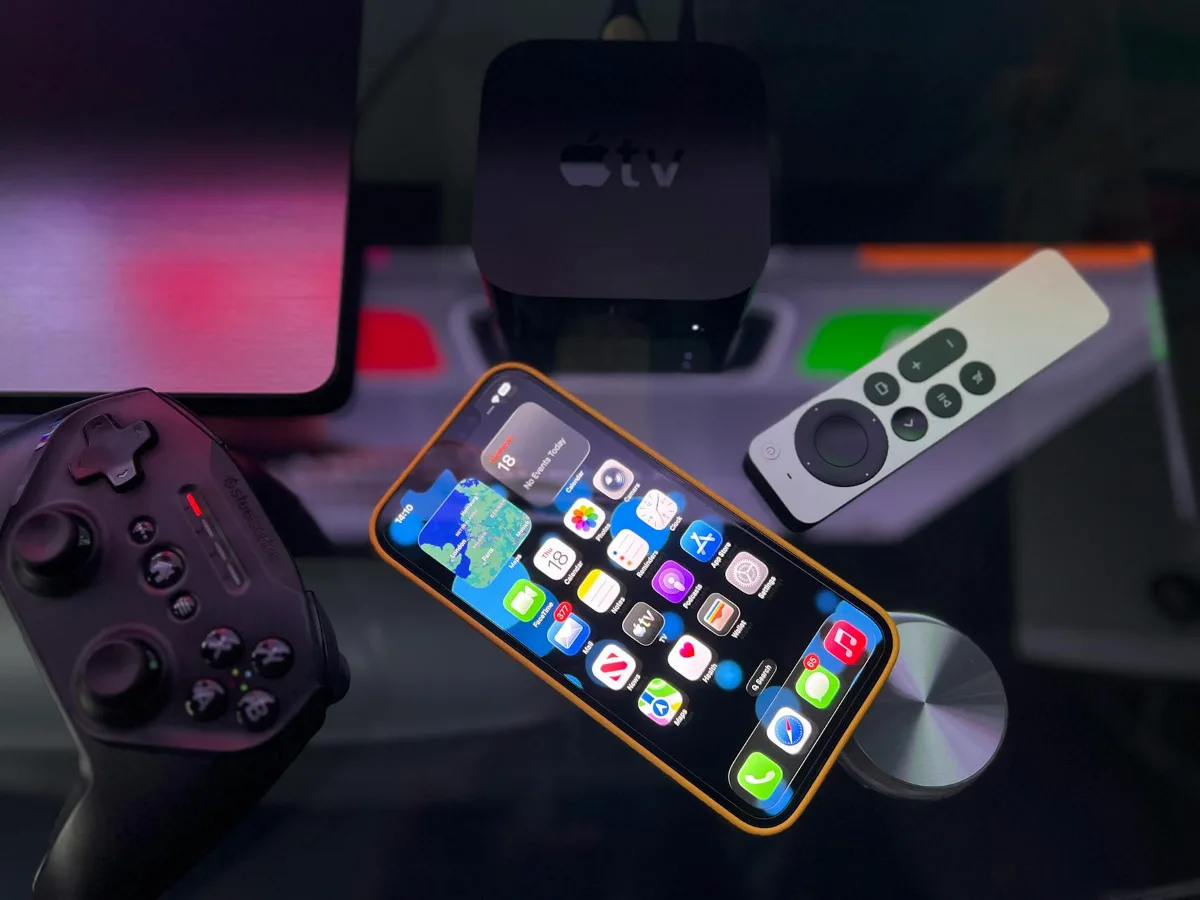
Start with the accessory most people actually need
If you own an iPhone 13 Pro Max, the best accessories are usually the ones that protect the phone first, then make charging and daily use easier. For most buyers, that means starting with a case, a screen protector, and a charging setup that fits your routine. From there, the right extras depend on whether you care more about durability, convenience, travel use, or keeping the phone as slim as possible. screen protector buying guide offers more detail on this point. car accessories for safer mounting offers more detail on this point.
The iPhone 13 Pro Max is a large, premium device, so accessory choices matter more than they do on smaller phones. A bulky case can make it harder to handle. A weak charger can slow down your routine. A poorly fitted screen protector can interfere with touch or leave edges exposed. The goal is not to buy everything. It is to choose accessories that solve real problems without adding unnecessary bulk or frustration.
Choose accessories by buyer scenario
If you want the safest everyday setup
Start with a protective case, a screen protector, and a MagSafe-compatible charger. This is the most balanced setup for people who carry their phone everywhere and want fewer worries about scratches, drops, and daily wear.
- Case: Prioritize corner protection, raised edges, and a comfortable grip.
- Screen protector: Look for tempered glass or another hard protective material that suits your preference for clarity and feel.
- Charger: Choose a charger that supports your preferred charging style, especially if you use MagSafe or wireless charging often.
This combination is practical because it covers the most common risks without changing how the phone feels too much. The trade-off is that even a well-made protective setup adds some thickness.
If you prefer a slim, minimalist setup
Some users want the phone to feel as close to bare as possible. In that case, a thin case or skin, plus a low-profile screen protector, may be enough. You can add MagSafe accessories later if you need them.
The limitation here is protection. Slim accessories usually improve handling and reduce cosmetic wear, but they rarely give the same drop protection as a rugged case. If you tend to drop your phone or keep it in a bag with keys and other hard items, minimal protection can be a false economy.
If you travel or commute often
Travel-focused buyers should look at charging speed, cable durability, portability, and mounting options. A compact wall charger, a reliable USB-C cable, and a power bank can be more useful than decorative extras. A car mount is also worth considering if you rely on maps or hands-free use.
For commuters, the overlooked issue is convenience at different charging points. One good charger at home may not be enough if you also need power in the office, car, or airport. Accessories that reduce friction across locations usually become the ones you actually keep using.
The trade-offs that matter most
Shopping for iPhone 13 Pro Max accessories is mostly a balancing act. Every accessory improves one part of the experience while affecting another. A rugged case protects better but feels heavier. A wallet attachment keeps essentials together but adds thickness. A wireless charger is convenient but may be slower or less flexible than a wired setup depending on the charger and your habits.
Compatibility is the first trade-off to check. Not every accessory that says it is for the iPhone 13 Pro Max will work equally well with every case, mount, or charging pad. MagSafe alignment, camera cutouts, button coverage, and port access can all affect usability. If you plan to use a magnetic charger, wallet, or car mount, make sure the case is designed to support that ecosystem.
Comfort is the second trade-off. The 13 Pro Max is already a large phone. Accessories that improve protection but make one-handed use harder may not be a good fit if you use your phone constantly on the go. For many people, the best choice is not the most protective or the thinnest option, but the one that feels easiest to live with every day.
Long-term value matters too. Cheap accessories can look appealing, but weak materials, poor fit, and inconsistent charging performance can make them frustrating. The best value usually comes from buying fewer pieces that fit your needs well instead of filling a drawer with accessories you stop using. top accessories for Apple phones offers more detail on this point.
Material and spec factors worth checking
Cases: protection, grip, and bulk
Case material affects both feel and performance. Silicone cases tend to offer a softer grip, while hard-shell cases may feel slimmer and more rigid. Hybrid designs try to combine shock absorption with a cleaner profile. Leather and leather-style cases are often chosen for appearance and hand feel, though they can show wear differently over time.
For the iPhone 13 Pro Max, consider these practical points:
- Raised edges: Help protect the screen and camera when the phone is laid flat.
- Corner support: Useful for drop protection because corners take a lot of impact.
- Grip texture: Important on a large phone that can feel slippery in one hand.
- MagSafe support: Matters if you want magnetic charging or accessories.
- Button feel: A case should not make the side buttons hard to press.
A common misconception is that all thick cases are automatically better. Thickness alone does not guarantee good protection. Fit, design, and material quality matter just as much.
Screen protectors: clarity and touch response
Screen protectors are not all the same. Some emphasize scratch resistance, others focus on privacy, and some try to feel almost invisible. For most people, the biggest priorities are clarity, smooth touch response, and a clean fit that works with the phone case.
When comparing options, think about:
- Coverage: Full coverage can look cleaner, but partial coverage may work better with some cases.
- Hardness and material: A stronger protective layer may resist scratches better, but fit and edge finish still matter.
- Anti-fingerprint coating: Helps reduce smudges, especially on a bright display.
- Ease of installation: A protector that is hard to align can be frustrating and may waste the set.
Privacy protectors are useful in public settings, but they can also reduce viewing angles and make the display feel less open. That is a worthwhile trade-off for some users and an annoyance for others.
Charging accessories: wired, wireless, and MagSafe
Charging accessories deserve more attention than they usually get. A good charging setup should fit where you actually charge: bedside, desk, car, or travel bag. The iPhone 13 Pro Max supports a range of charging approaches, so the best choice is the one that matches your routine.
- Wired charging: Usually the most straightforward option for dependable everyday use.
- Wireless charging: Convenient for a desk or nightstand, especially if you want easy placement.
- MagSafe accessories: Helpful if you want more secure alignment and accessory attachment.
One practical limitation with wireless charging is heat and placement sensitivity. If the phone is not aligned well, charging can be inefficient. If your charging area is cluttered, a wired cable may still be the more dependable option.
Mounts, grips, and stands: small upgrades with big daily impact
Some of the most useful accessories are not flashy. A sturdy desk stand can improve video calls and streaming. A car mount can make navigation safer. A grip or ring accessory can make the large iPhone 13 Pro Max easier to hold.
These are especially helpful if you use the phone for long sessions. The nuance here is that the best grip or stand depends on your habits. A magnetic stand can be ideal at a desk, but not everyone wants a magnetic attachment on the back of the phone all day. A foldable stand may travel better, while a clip-style car mount may be more dependable in moving vehicles.
Useful accessory combinations by use case
| Use case | Most useful accessories | Main trade-off |
|---|---|---|
| Everyday protection | Case, screen protector, MagSafe charger | More bulk |
| Minimal setup | Thin case, screen protector | Less drop protection |
| Travel | Power bank, compact charger, cable, pouch | More items to carry |
| Desk use | Stand, wireless charger, cable organizer | Less portability |
| Driving | Car mount, charging cable, MagSafe mount | Mount compatibility varies |
This kind of matching is usually better than shopping accessory by accessory. Once you define the use case, the right combination becomes much clearer.
Common mistakes to avoid
- Buying a case before checking MagSafe needs. Some cases block magnetic accessories or weaken the attachment.
- Choosing protection that is too bulky for daily use. If the phone becomes uncomfortable, you may stop using the accessory properly.
- Ignoring charging compatibility. A charger may work, but not in the way you expected with a case or mount attached.
- Overlooking camera protection. The camera bump is easy to expose if the case design is shallow.
- Assuming one accessory solves everything. A wallet case may be convenient, but it is not ideal for everyone.
A useful rule of thumb is to buy accessories for the way you actually use the phone, not for the best-case scenario you imagine you might have later.
What to buy first if you want the smartest starting point
If you are building a setup from scratch, the most practical starting order is simple: protect the phone, make charging easier, then add convenience accessories only if they solve a real problem. That usually means a good case, a quality screen protector, and one charging solution that fits your home or travel routine.
After that, add only the extras that match your habits. If you are always on the move, a power bank may matter more than a wallet attachment. If you use the phone for video calls or content viewing, a stand may be more valuable than another cable. If you rely on navigation, a car mount can be more useful than an extra battery option.
That approach keeps the accessory setup focused and avoids clutter. It also makes it easier to identify what is actually improving your day-to-day use.
FAQ
What accessories are most important for the iPhone 13 Pro Max?
The most important accessories are usually a protective case, a screen protector, and a charging solution that fits your routine. Those three cover the biggest daily needs: protection, display safety, and convenient power.
Do I need MagSafe accessories?
Not necessarily. MagSafe is useful if you want magnetic alignment, wireless charging convenience, or compatible wallet and stand accessories. If you prefer standard wired charging and do not want magnetic add-ons, you can skip it.
Are bulky cases worth it for the iPhone 13 Pro Max?
They can be, especially if you drop your phone often or want more confidence in bag and pocket use. The trade-off is added size and weight, which may matter more on a large phone like the 13 Pro Max.
Should I buy a screen protector if my case has raised edges?
Yes, if you want broader protection. Raised edges help with face-down placement and some impact resistance, but they do not fully protect the display from scratches or direct contact.
What should I avoid when buying accessories?
Avoid accessories that do not clearly state compatibility, especially with MagSafe, case fit, or charging behavior. Also be cautious with products that promise convenience but add so much bulk that they become hard to use consistently.
Next steps for choosing the right setup
Start by deciding what problem you want the accessory to solve. If the goal is protection, focus on case design, screen coverage, and camera safety. If the goal is convenience, look at charging, mounts, stands, and magnetic add-ons. If the goal is a cleaner carry experience, think about slim cases and practical wallet alternatives.
The best iPhone 13 Pro Max accessories are not the ones with the most features. They are the ones that fit your habits, your environment, and the amount of bulk you are willing to accept. Once those priorities are clear, the right choice becomes much easier to make.
