
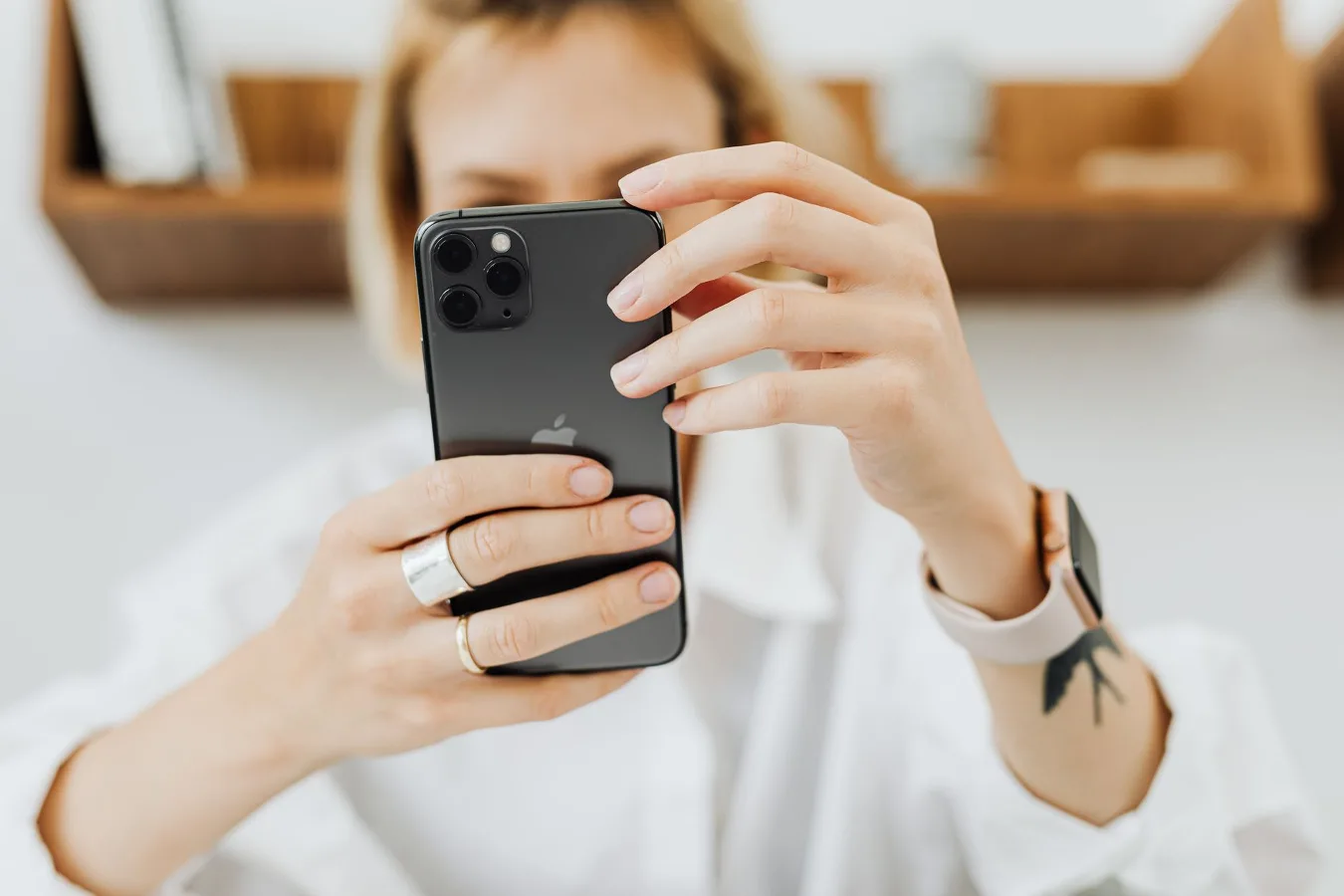
If you want the best iPhone photography accessories, start with the accessory that fixes your biggest problem. For some people that means shaky photos, for others it is weak indoor lighting, limited framing, or awkward one-handed shooting. The right gear is the gear that improves the way you actually use your phone camera. phone camera accessories for creators offers more detail on this point. iphone 16 pro max camera accessories offers more detail on this point. Best iPhone 15 Pro Max Accessories offers more detail on this point.
The most useful iPhone photography accessories usually fall into a few categories: stabilization, lighting, lens expansion, mounting, and control. A tripod or grip helps with steadiness. A small LED light helps in dim rooms. A lens attachment can change perspective. A remote shutter or rig can make shooting easier. Not every setup needs all of them, and that is where smart buying matters.
Start with the problem you are trying to solve
Before comparing products, narrow the job. This is the simplest way to avoid buying accessories that look useful but never leave a drawer. iPhone photography accessories are most effective when they support a specific use case.
- Shaky photos or long exposures: Look first at tripods, phone mounts, and grips.
- Dark indoor scenes: A small continuous LED light is often more valuable than a lens.
- Portraits and close-ups: Consider lens attachments, a reflector, and controlled lighting.
- Travel and street photography: Compactness, quick setup, and portability matter more than a large rig.
- Video and social content: Audio, stabilization, and hands-free mounting become more important.
A common misconception is that the most expensive accessory setup is automatically the best. For iPhone photography, a smaller kit that gets used regularly is usually more effective than a bulky collection of gear that stays at home.
The accessories worth considering first
Some accessories have broader value than others. If you are building from scratch, these are the most practical starting points for most users.
Tripod and phone mount
A tripod is one of the most useful iPhone photography accessories because it supports several shooting styles at once. It helps with low-light shots, self-portraits, time-lapse, long exposures, and consistent framing. The mount matters just as much as the legs. A secure phone clamp or MagSafe-compatible mount should hold the phone firmly without wobble.
Look for a tripod with enough height for your intended use, but do not ignore portability. A heavier tripod may be more stable outdoors, yet a compact model is easier to carry and more likely to be used. If you shoot mostly at home, stability may matter more than folded size. If you travel often, the reverse may be true.
Portable LED light
Lighting often improves iPhone photos more than a lens upgrade. A small LED panel or pocket light can help in indoor scenes, product photos, video calls, and content creation. The main thing to look for is controllability: adjustable brightness, a useful color temperature range, and a mounting method that fits your workflow.
Many buyers overlook how directional light affects the final image. A small light can look harsh if placed too close or aimed straight at the subject. A better approach is to diffuse or bounce the light when possible. That matters more than chasing the brightest option.
External lens attachment
Lens attachments can expand what your iPhone camera can do, especially if you want a wider view or a different look for portraits and detail shots. They are not magic, and they are not always necessary. Their value depends on the quality of the optics, the fit, and whether the lens actually solves a real framing problem.
Compatibility is critical here. Some lens systems require a specific case or mount. Others clip on more universally but may be less stable. A secure attachment is more important than having multiple lens types you will rarely use.
Bluetooth remote shutter
A remote shutter is a small accessory, but it solves a real problem: camera shake from touching the phone. It is especially useful for selfies, group shots, tabletop photography, and tripod work. For many people it is a low-cost, high-utility addition to a phone photo kit.
The main trade-off is another item to charge or keep track of. If your workflow is already simple and you do not mind using a timer, you may not need one. But if you shoot alone often, the convenience is hard to ignore.
Grip or handle
A grip can make handheld shooting feel more natural and reduce the awkwardness of holding a thin phone for long periods. This matters for video, street photography, and fast-moving situations where you want the camera ready without a tripod.
Some grips also add mounting points for lights, microphones, or additional accessories. That can be useful if your setup may grow over time. Just remember that a more capable rig also becomes less pocket-friendly.
Trade-offs that matter more than brand names
Buying iPhone photography accessories is not only about features. It is about balancing convenience, durability, and how often you will actually use the item.
| Accessory type | Main advantage | Main trade-off |
|---|---|---|
| Tripod | Improves steadiness and consistency | Adds bulk and setup time |
| LED light | Helps in low-light environments | Needs power and can look unnatural if poorly placed |
| External lens | Changes framing or perspective | Fit, softness, and compatibility can vary |
| Remote shutter | Reduces shake and improves convenience | Another small accessory to manage |
| Grip or rig | Improves handling and expandability | Less compact, less casual |
One overlooked consideration is how fast the accessory moves from storage to use. A tripod that takes too long to set up often gets left behind. The same is true for lights that require several attachments before they are usable. In practice, speed matters almost as much as capability.
Material and build factors to pay attention to
Materials affect weight, stability, and long-term usability. For iPhone photography accessories, the right material choice depends on whether you prioritize portability or sturdiness.
Tripods and mounts
Aluminum is common because it offers a good balance of strength and weight. Plastic components can keep costs down, but the moving parts, tightening knobs, and phone clamp should feel secure. If the clamp flexes or the tripod legs feel flimsy, that can become a problem quickly, especially outdoors.
The phone mount should fit your case situation. Some mounts work best with a naked phone, while others handle a thin case more comfortably. If you rely on MagSafe, confirm that the mount is designed for that setup rather than assuming all magnetic accessories behave the same way.
Lighting accessories
For LED lights, construction affects heat management, durability, and how easy the light is to position. A sturdy mount matters because a light that slowly drifts out of position becomes annoying fast. Diffusion accessories, when included, can help produce a softer look, though they may reduce output.
Lenses and optical attachments
With external lenses, the quality of the glass, the mount stability, and the alignment with the camera lens all matter. A poor fit can cause vignetting, softness around the edges, or frustration during setup. In this category, a simple system that mounts securely is often better than a complicated kit with multiple weak points.
Compatibility is where many buyers make mistakes
Compatibility is the area most likely to be underestimated. iPhone models differ in camera bump size, lens placement, and how accessories attach. A product that works well with one model may be awkward on another, especially if you are using a case.
Check these points before buying:
- iPhone model fit: Make sure the accessory matches your exact phone size and camera layout.
- Case compatibility: Confirm whether the accessory works with a thick case, a slim case, or no case at all.
- Mounting style: Decide whether you want clamp-based, magnetic, or threaded mounting.
- Accessory stacking: If you plan to add a light, mic, or lens later, make sure the base setup can support it.
A practical nuance: the most flexible accessory is not always the most comfortable. Universal clamps can be adaptable, but they may be slower to use than a dedicated magnetic solution. If you shoot often, convenience can outweigh theoretical versatility.
What different buyers should prioritize
The best iPhone photography accessories are not the same for everyone. A good purchase depends on the kind of shooting you do most often.
For casual everyday photographers
Start with a compact tripod, a simple phone mount, and a remote shutter if you use self-timers often. This setup covers the widest range of everyday needs without becoming complicated.
For content creators
Prioritize a stable mount, flexible lighting, and a grip or rig that can hold additional accessories. If you shoot vertical video for social platforms, a setup that transitions easily between handheld and mounted use is especially helpful.
For travel photographers
Portability matters more than a full kit. Choose accessories that fold small, set up fast, and do not require extra tools. A lightweight light and a compact tripod are usually more useful than a large modular system.
For product or tabletop shooters
Lighting and stability come first. A controlled light source, a solid tripod, and a secure phone mount can make a much bigger difference than lens add-ons.
Common mistakes to avoid
People often buy the wrong iPhone photography accessories for predictable reasons. Avoid these mistakes if you want a kit you will actually use.
- Buying for features instead of workflow: A long list of specs does not help if the accessory is inconvenient.
- Ignoring fit with a case: Many mounting issues happen because the buyer assumed case clearance would not matter.
- Overbuilding too early: A complex rig can slow down simple photography and make the setup feel like a chore.
- Choosing a light that is too harsh: Brightness alone does not guarantee flattering results.
- Skipping the basics: A stable mount and good light usually outperform a random collection of specialty accessories.
Another mistake is chasing an accessory because it is popular in creator videos. A flashy setup may look impressive, but your own shooting habits should guide the purchase. A tool that fits a clear need usually delivers more value than one bought for aesthetics alone.
A simple buying order that makes sense
If you want to build your kit in a sensible order, start with the accessories that solve the broadest number of problems first.
- Stabilization: Choose a tripod, grip, or mount based on how you shoot most often.
- Lighting: Add a compact LED if you regularly shoot indoors or after dark.
- Control: Consider a remote shutter for cleaner handheld-free shooting.
- Expansion: Add lens attachments only if your framing needs justify them.
- Rigging: Move to a more elaborate setup only if you need it for content creation or specialized work.
This order keeps the setup practical. It also helps you avoid buying accessories that duplicate what your phone already does well on its own.
How to judge value without overpaying
Long-term value is not always tied to the lowest or highest price. A good accessory is one that stays useful as your needs change. That usually means dependable build quality, broad compatibility, and a design that does not get in the way of shooting.
Ask a few practical questions before you buy:
- Will I use this weekly, or only occasionally?
- Does it solve a problem I actually have now?
- Can I carry it easily enough to keep using it?
- Will it still work if I change cases or upgrade phones later?
- Does it replace a real limitation, or just add more gear?
If an accessory is only useful in a narrow situation, that is not a flaw by itself. It just means you should buy it as a targeted tool rather than as a general upgrade.
Next steps for choosing the right setup
For most buyers, the best iPhone photography accessories are the ones that make shooting simpler, steadier, and more flexible without turning the phone into a complicated rig. Start with the accessory that removes your biggest frustration. If your photos blur, focus on stabilization. If your scenes look flat, improve lighting. If your framing feels limited, look at lens attachments or a better mount.
If you are building a complete phone photography kit, keep it lean. The best setup is usually the one you can carry, set up quickly, and use confidently. That approach leaves room to add specialized gear later if your needs grow.
For readers exploring the broader Phone cluster, this topic connects naturally with phone camera settings, mobile video tools, and creator-focused accessories. Those areas help you decide not just what to buy, but how to get more from the gear you already own.
