
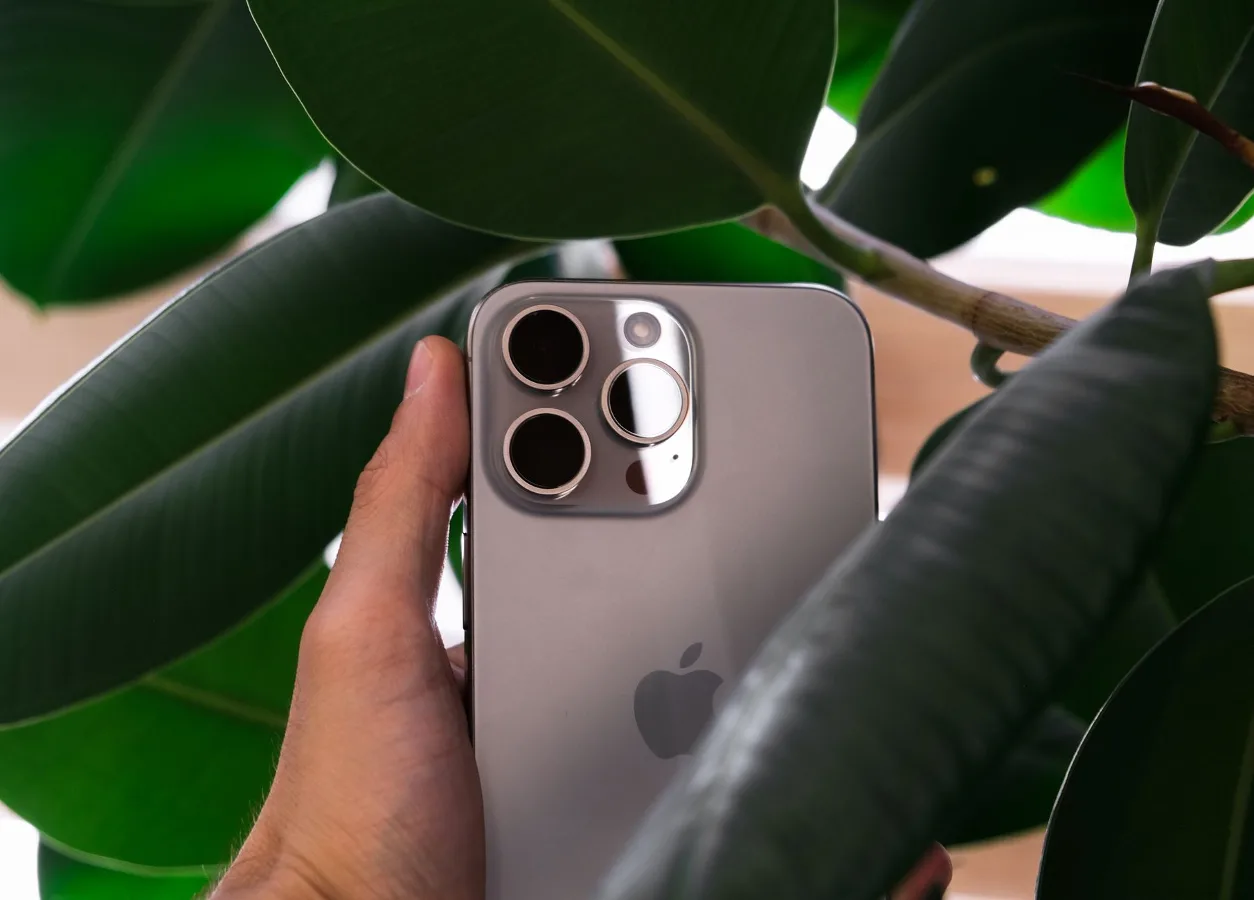
What accessories make sense for iPhone 17 Pro Max?
The best accessories for iPhone 17 Pro Max depend on how you use the phone, but most buyers start with three basics: a case, a screen protector, and a charger that fits their routine. After that, the right extras are usually the ones that improve protection, make charging easier, or solve a specific problem such as carrying, mounting, or camera use. best phone cases for daily protection offers more detail on this point.
Because this is a large, premium phone, the most useful accessories are often the practical ones rather than the flashy ones. A good accessory should either reduce risk, save time, or make the phone easier to live with every day.
If you are building a setup from scratch, think in layers: protection first, charging second, then convenience accessories that match your habits. That approach is more reliable than buying a bundle of items that look good together but do not fit your actual use case.
Start with the accessories that matter most
Not every accessory deserves equal attention. Some are optional, but a few affect day-to-day use so much that they should be considered first.
1. A case that matches your protection needs
A case is usually the first purchase because it affects grip, drop protection, bulk, and compatibility with wireless charging or MagSafe-style accessories. The right choice depends on how careful you are, where you carry the phone, and whether you prefer a slim feel or a more rugged build. how MagSafe accessories work offers more detail on this point.
Look at these factors before buying:
- Protection level: slim cases help with scratches and light bumps, while tougher cases are better if the phone is dropped often.
- Grip: smoother finishes may look refined but can be easier to slip from a hand or pocket.
- Button feel: cases vary widely in how responsive the side buttons feel.
- Magnetic compatibility: if you use magnetic chargers or mounts, confirm the case is designed to work with them.
- Bulk: a thicker case may protect more, but it can make a large phone even harder to handle.
A common misconception is that the most protective case is always the best choice. For many people, the real sweet spot is a case that balances grip and portability rather than maximum thickness.
2. A screen protector that fits the way you use the phone
Screen protectors are easy to overlook until the first scratch appears. For a phone like the iPhone 17 Pro Max, they can be worth it if you keep the device in a bag, pocket, or work setting where keys, coins, dust, or grit are present.
There are a few practical choices:
- Tempered glass: usually the most straightforward option for scratch resistance and a familiar feel.
- Privacy protectors: useful if you often use the phone in public and want to limit side viewing.
- Matte protectors: can reduce glare, though some people dislike the slight change in screen clarity.
Fit matters more than most shoppers realize. A protector that does not align well with the front sensors, dynamic display area, or case edges can create nuisance issues. If your case wraps tightly around the front of the phone, choose a protector that is known to play nicely with it.
3. A charger that suits your routine
Charging accessories are not one-size-fits-all. The best option depends on whether you charge at a desk, bedside, in a car, or while traveling. USB-C makes things easier, but that does not mean every cable and adapter is equally useful.
Use these criteria to narrow the field:
- Charging location: desk chargers, bedside stands, and travel chargers serve different purposes.
- Convenience: magnetic wireless charging is convenient for quick top-ups, while wired charging is often better for straightforward, dependable use.
- Cable quality: a well-made cable matters just as much as the adapter.
- Port count: travelers and multitaskers may prefer multi-port chargers.
- Heat management: charging setups that run warm may be less comfortable for long sessions.
A useful rule: if you are replacing old gear, do not assume any old cable or adapter is the right fit just because it has a USB-C connector. Charging behavior depends on the whole setup, not the port shape alone.
How to choose accessories step by step
The easiest way to avoid wasted purchases is to evaluate accessories in the same order you will use them.
- Identify the problem you want to solve. Do you need protection, better charging, better grip, or easier carrying?
- Check compatibility first. Case fit, camera cutouts, button alignment, and magnetic support should come before style.
- Choose the right material for the job. Soft-touch materials can improve grip, while harder finishes may resist wear differently.
- Think about how the accessory affects the phone’s size. The iPhone 17 Pro Max is already large, so even small increases in bulk can matter.
- Match the accessory to your daily environment. Office use, commuting, travel, outdoor use, and at-home use each favor different solutions.
- Avoid buying duplicates of the same function. A rugged case and a thick wallet case may solve the same problem in different ways, but not always efficiently.
Examples of practical accessory combinations
Different users need different setups. The following combinations are examples of how buyers usually think through the decision.
- Minimal everyday setup: slim case, tempered glass protector, USB-C cable, compact wall charger.
- Travel-friendly setup: protective case, portable battery pack, multi-port charger, cable organizer.
- Desk-focused setup: case with magnetic support, charging stand, spare cable, earbuds case.
- Driving setup: case with secure magnetic compatibility, vent or dashboard mount, in-car charging cable.
- Work-and-public-use setup: case, privacy screen protector, sturdy charger, maybe a grip accessory for easier handling.
These combinations are not about buying more. They are about reducing friction in the situations where your phone gets used most.
Accessories that are often worth considering
Once the basics are covered, a few accessory categories can add real convenience. The right choice depends on whether you value portability, desk organization, media viewing, photography, or all-day power.
Magnetic wallets and grips
Magnetic wallets can reduce pocket clutter, but they are best for users who carry only a small number of cards. If you often need access to many cards, a separate wallet may still be more practical. Grips and magnetic ring-style accessories can make a large phone easier to hold, especially for one-handed use or extended scrolling.
The trade-off is that these accessories can add thickness or interfere with the clean feel of the phone. They are useful, but not always ideal for people who prefer a minimal setup. desk setup accessories for your phone offers more detail on this point.
Power banks and travel chargers
A battery pack makes sense if you spend long stretches away from outlets, commute frequently, or use navigation, camera features, or media heavily. For travel, a compact charger with the right cable can be more valuable than a large accessory collection.
One overlooked consideration is cable management. A good charger is only part of the experience; tangled cables and awkward plug placement can make even a quality setup feel frustrating. Small organizers, short cables, or a charging pouch may be worth adding if you travel often.
Car mounts and desk stands
Mounts and stands are among the most practical accessories because they solve specific daily problems. A desk stand can keep the phone visible during calls or notifications, while a car mount can make navigation easier and safer to follow.
Choose based on where you need stability. Some mounts prioritize convenience, while others prioritize a firmer hold. The important part is whether the accessory keeps the phone secure without making removal awkward.
Camera protection and photography accessories
If you care about the camera system, consider whether the phone needs extra protection around the lens area or whether your case already covers that need. Some users also benefit from small add-ons for content creation, such as grips or stands, but only if they actually shoot photos or video regularly.
A practical caution: not every camera-related accessory improves quality. Some are more helpful for handling than for image results. If your main need is everyday capture, a stable grip or stand may be more useful than an elaborate add-on.
Common mistakes when buying accessories
Many accessory purchases go wrong for avoidable reasons. A little caution can save money and frustration.
- Buying for looks before function: a stylish case that slips in the hand is a poor daily choice.
- Ignoring bulk: large accessories can make an already big phone harder to carry.
- Overlooking compatibility: magnetic support, case fit, and charging behavior should be checked before purchase.
- Assuming all cables are equal: cable quality and intended use matter.
- Purchasing unnecessary extras: a wallet case, stand, and grip may overlap instead of complement each other.
- Not thinking about your environment: office use, outdoor use, and travel all change what is practical.
Another common issue is forgetting that accessories age too. Cases can loosen, protectors can chip, and cables can wear out. A good setup is not just about the first day; it is about how well the pieces hold up over time.
Simple checklist before you buy
Use this quick checklist to judge whether an accessory is worth it for your iPhone 17 Pro Max setup.
- Does it solve a real problem you already have?
- Is it compatible with your case, charger, or mount?
- Does it add too much bulk for your comfort?
- Will it fit the way you carry or use the phone every day?
- Is it durable enough for the environment you use it in?
- Does it overlap with another accessory you already own?
If the answer to most of those questions is yes, the accessory is probably worth serious consideration. If not, you may be better off keeping the setup simple.
Frequently asked questions
Do I need a case for iPhone 17 Pro Max?
Not everyone does, but a case is usually the most practical first accessory because it improves grip and adds protection against everyday wear. Large phones can be harder to hold securely, so many buyers start there.
What is the most useful accessory to buy first?
For most people, a case or screen protector comes first, followed by a charger that matches how and where they charge the phone. Those basics usually have the biggest daily impact.
Are magnetic accessories worth it?
They can be, especially if you use wireless charging, desk stands, or car mounts. The key is making sure the case supports the magnetic setup you want to use.
Should I buy a power bank?
A power bank makes sense if you travel often, rely on navigation, or spend long periods away from outlets. If you usually charge at a desk or bedside, it may be less important.
What should I avoid when buying accessories?
Avoid buying accessories that do not match your habits, add unnecessary bulk, or conflict with your case or charging setup. The most common mistake is choosing accessories for style alone instead of usefulness.
A practical way to build your setup
If you want a simple approach, start with protection, then charging, then convenience. That order covers the essentials without turning your phone into a pile of mismatched add-ons.
For most buyers, the strongest accessory setup is the one that disappears into the background. It should make the phone easier to use, not more complicated. That is especially true for a premium device where size, comfort, and compatibility matter as much as appearance.
Take your time with the basics, pay attention to fit and daily use, and choose only the accessories that earn their place in your routine. That is usually the most reliable way to buy accessories for iPhone 17 Pro Max.
