
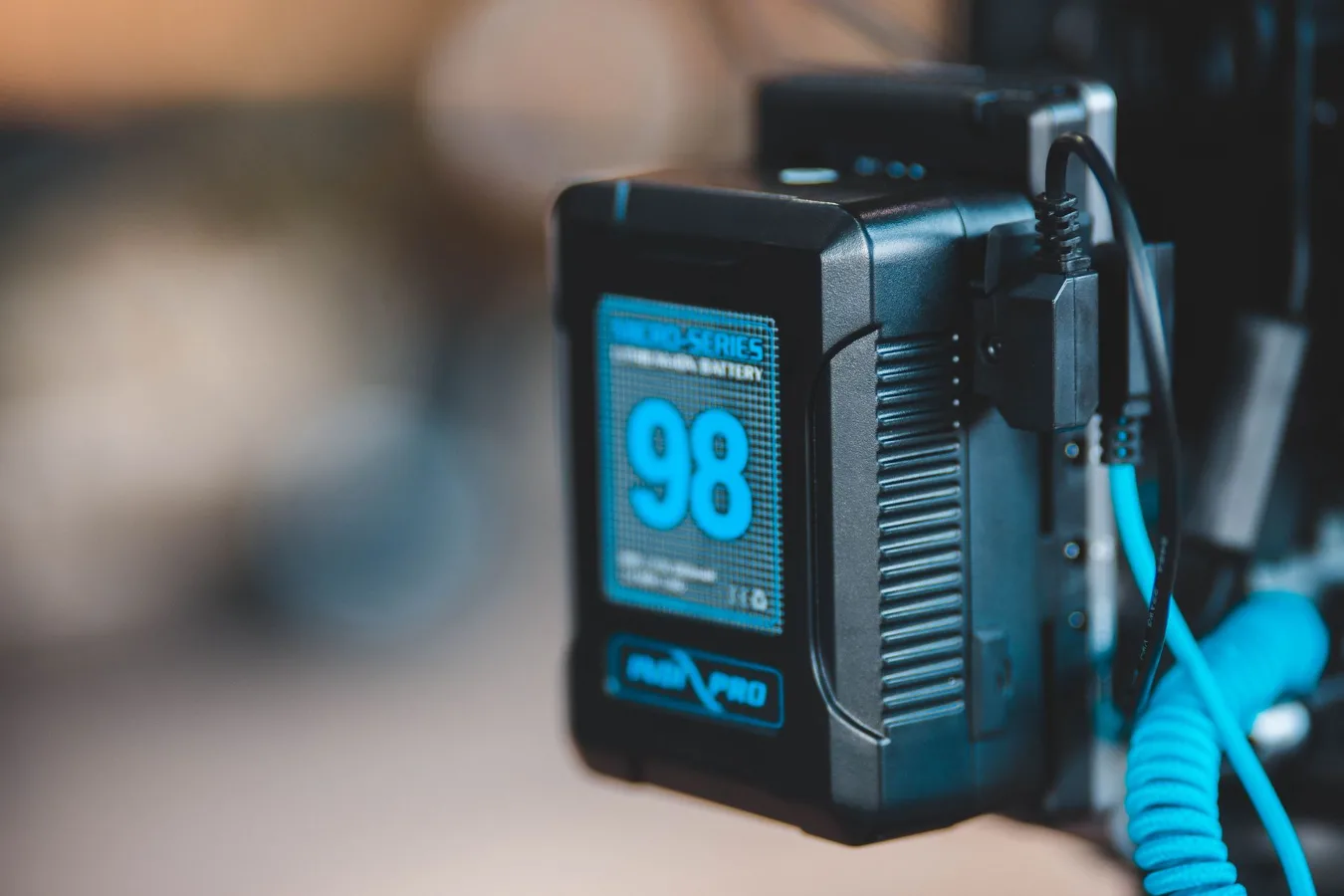
A Makita power bank usually refers to a portable power solution built around Makita batteries or a Makita-compatible adapter setup. For many buyers, the appeal is simple: use the batteries you already own to power small devices, charge phones, or create a compact backup power source for the jobsite, garage, or travel bag. Jar Systems Power Bank: What to Know offers more detail on this point.
The key thing to understand is that not every product marketed this way does the same job. Some are basic USB charging adapters, some are multi-port battery docks, and others are broader portable power stations that accept Makita batteries as part of a larger system. That difference matters, because the right choice depends on what you want to power, how often you need it, and whether you already use Makita cordless tools.
Who a Makita power bank makes sense for
The strongest use case is for people already invested in Makita batteries. If you regularly use Makita cordless tools, a compatible power bank can reduce clutter and make your battery inventory more useful beyond drills, saws, and work lights. That can be especially helpful for contractors, maintenance crews, campers, and DIY users who want a lightweight way to charge phones, tablets, radios, or small accessories without carrying a separate power brick for everything.
It also makes sense for buyers who value portability over raw capacity. A compact battery-based setup is easier to carry than many AC power stations, and it can be more convenient when you only need simple charging instead of running larger appliances. For quick top-ups and small electronics, that convenience is often the main selling point.
Less compelling? If your goal is to run power-hungry equipment, charge multiple laptops at once, or keep appliances going through long outages, a Makita battery power bank may be too limited. In that case, a larger inverter-based portable power station may be the better fit.
The first decision: adapter, dock, or full power station
Before comparing features, narrow down the product type. This is where many shoppers make a mistake. They search for a Makita power bank and assume every result is a direct substitute for a traditional power bank, but the category is broader than that.
Battery adapter power banks
These are usually the simplest and most portable option. They let a Makita battery provide USB output, often through one or more ports. They are best for charging small electronics and are usually the easiest to toss into a tool bag.
The trade-off is obvious: simplicity usually means fewer output options and less flexibility. You may get only USB charging, not AC outlets, and the device may be best suited for quick charging rather than high-demand use.
Multi-battery docks and charging hubs
Some products are designed to hold one or more Makita batteries and provide multiple outputs. These can be more useful on a desk, in a vehicle, or at a workbench because they turn spare batteries into a mini power center.
The downside is bulk. These units are less pocketable and may be more appropriate for planned use than for everyday carry. They can be a good middle ground if you want more than a basic adapter but do not need a full portable power station.
Portable power stations that accept Makita batteries
These are the most flexible, but not always the lightest or simplest. Depending on the design, they may combine battery input with USB ports, AC outlets, lights, or inverter features. For users who need broader functionality, this category can be appealing.
The trade-off is cost and complexity. A more capable unit often brings more weight, more controls, and more things to evaluate before buying. It is worth checking whether the device truly fits your battery ecosystem or whether it requires extra adapters and accessories.
Compatibility is the detail that matters most
Compatibility is the number one thing to verify before buying any Makita power bank. Do not assume that all Makita batteries work the same way. Look closely at the battery platform, the voltage family, and whether the product is made for your exact battery line. Makita battery compatibility guide offers more detail on this point. HyperGear Power Bank Buying Guide offers more detail on this point.
Many buyers focus on the Makita name and overlook the battery format. That can lead to returns, poor fit, or a charger that works only with certain packs. If you already own Makita batteries, check the model family printed on the battery and match it against the product listing rather than relying on a broad brand match.
You should also check whether the product is intended for genuine batteries only or if the manufacturer specifically supports third-party packs. Even when a battery fits physically, the internal electronics and fit tolerances may not be equally reliable across all battery brands or clone-style packs.
A practical rule: if the listing is vague about compatibility, that is a warning sign. Clear product information is especially important for a battery-powered accessory, because fit and electrical behavior are not cosmetic details.
What to look at beyond the battery fit
Once compatibility is confirmed, compare the product on the factors that affect real-world use. The best choice depends on how you actually plan to use it, not just on how many ports it promises.
Output types
USB-A, USB-C, and AC output each serve a different purpose. USB-A is fine for older phones and basic accessories. USB-C is more versatile and better aligned with modern charging habits, though actual charging speed depends on the device and the power delivery support built into the unit. AC output is useful if you need to power a wider range of equipment, but it usually adds size, weight, and conversion loss.
If you only need phone charging, a simple USB setup may be enough. If you want to support a broader mix of devices, look for a more capable layout.
Port count and sharing behavior
More ports can be useful, but they do not always mean better performance. Some power banks reduce output when multiple devices are connected. That is normal, but it affects how useful the unit will be in a group setting or on a shared jobsite.
Think about who will use it. A solo user may be fine with one or two ports. A crew, family, or travel setup may require more flexibility.
Physical size and mounting style
A compact adapter is easier to carry, while a dock or station may be better on a bench or in a vehicle. If you plan to use it in a bag, size and exposed corners matter. If you plan to keep it parked in one place, stability and cable management become more important.
This is an overlooked consideration: a larger unit may seem more capable, but if it lives in a tool bag it can become inconvenient fast. Portability is not just about weight; it is also about how easily the device fits into your routine.
Heat management
Battery-based accessories can generate heat during use, especially when multiple devices are charging or when output demand is higher. Good airflow and a sensible housing design matter. A unit that runs too warm may not be ideal for enclosed spaces, hot vehicles, or long charging sessions.
You do not need a thermal engineering degree to evaluate this. Just pay attention to whether the device looks ventilated, whether the listing gives clear usage limits, and whether the form factor seems suited to your environment.
Trade-offs buyers should weigh honestly
A Makita power bank can be useful, but it is not a universal solution. The biggest trade-off is between convenience and capacity. Portable battery-based charging is easy to carry, but it cannot replace every kind of backup power setup.
Another trade-off is battery consumption. Using a tool battery for charging accessories means that battery is no longer available for tools. That sounds obvious, yet it is easy to overlook when shopping for a handy add-on. If your workflow already depends on a small number of batteries, dividing them between tools and charging duties can become inconvenient.
There is also the issue of conversion loss. Any time power moves from one format to another, some energy is lost. You should expect that a battery pack used as a power source will not feel as efficient as charging a device directly from a wall outlet or a dedicated charger. That does not make it a bad choice, but it does make planning important.
For buyers who need a backup during outages, the right question is not whether a Makita power bank is useful. It is whether the limited output and battery runtime are enough for the device mix you actually care about. For phone charging and small electronics, often yes. For room-level backup, usually no.
Material and build factors that affect usability
You do not need luxury materials, but the build should feel appropriate for a battery accessory meant for regular handling. A durable housing, secure battery latch, and clean port placement matter more than flashy extras.
Look for a design that protects the battery connection and keeps cables from snagging awkwardly. If a unit will live in a truck, jobsite tote, or garage shelf, the ports should be easy to reach without making the whole setup unstable.
Button layout also matters more than people expect. A clear on/off switch, readable indicators, and simple status lights reduce friction. In practical use, a power bank is only helpful if it is easy to start using under normal, slightly messy conditions.
If the product includes rubberized edges, recessed ports, or a stable stand, those are signs it may be better suited for real-world handling. If it feels overly delicate or visually cramped, it may be more of a desk accessory than a true portable work tool companion.
How to think about battery life and charging expectations
A common misconception is that any Makita battery accessory will behave like a standard consumer power bank with a predictable phone-charging profile. In reality, runtime depends on battery size, device demand, output type, and how efficiently the accessory converts power.
For that reason, it is better to think in use cases rather than in broad promises. A small battery may be fine for short emergency top-ups. A larger battery may be better if you are trying to keep a phone, headset, or handheld device available across a workday.
Also consider recharge planning. If you use your batteries for tools during the day, you may need a clear rotation system so one pack is always available for charging duties. Without that plan, a power bank can become another thing competing for the same limited battery pool.
Good alternatives if a Makita power bank is not the best fit
If your needs are modest and mostly mobile, a traditional USB power bank may still be the most practical choice. It is purpose-built for electronics, easy to recharge, and usually simpler to manage than a battery-system accessory.
If you need more versatility, a portable power station may be worth considering. These are generally better for mixed-device setups, AC output, and longer backup use. They are not as compact, but they can make more sense if you want one device to cover several scenarios.
If your main goal is keeping worksite tools ready, extra batteries and a fast charger may be the most efficient answer. Sometimes the simplest solution is not a power bank at all, but a better battery rotation strategy.
What to do before you buy
Start with your actual use case. Ask whether you need emergency phone charging, jobsite convenience, or a more serious backup power setup. Then match the product type to that need.
- Confirm the exact battery family and compatibility details.
- Decide whether you need USB, USB-C, AC, or a combination.
- Check whether the unit is meant for carry use or bench use.
- Consider whether you can spare a battery from your tool rotation.
- Review the product design for durability, port layout, and heat management.
If you already own Makita batteries and want a compact way to put them to work beyond tools, a Makita power bank can be a smart, practical accessory. If you need broad backup power or expect to run demanding electronics, step up to a larger portable power solution instead. The best choice is the one that fits your battery ecosystem without creating new hassles.
