
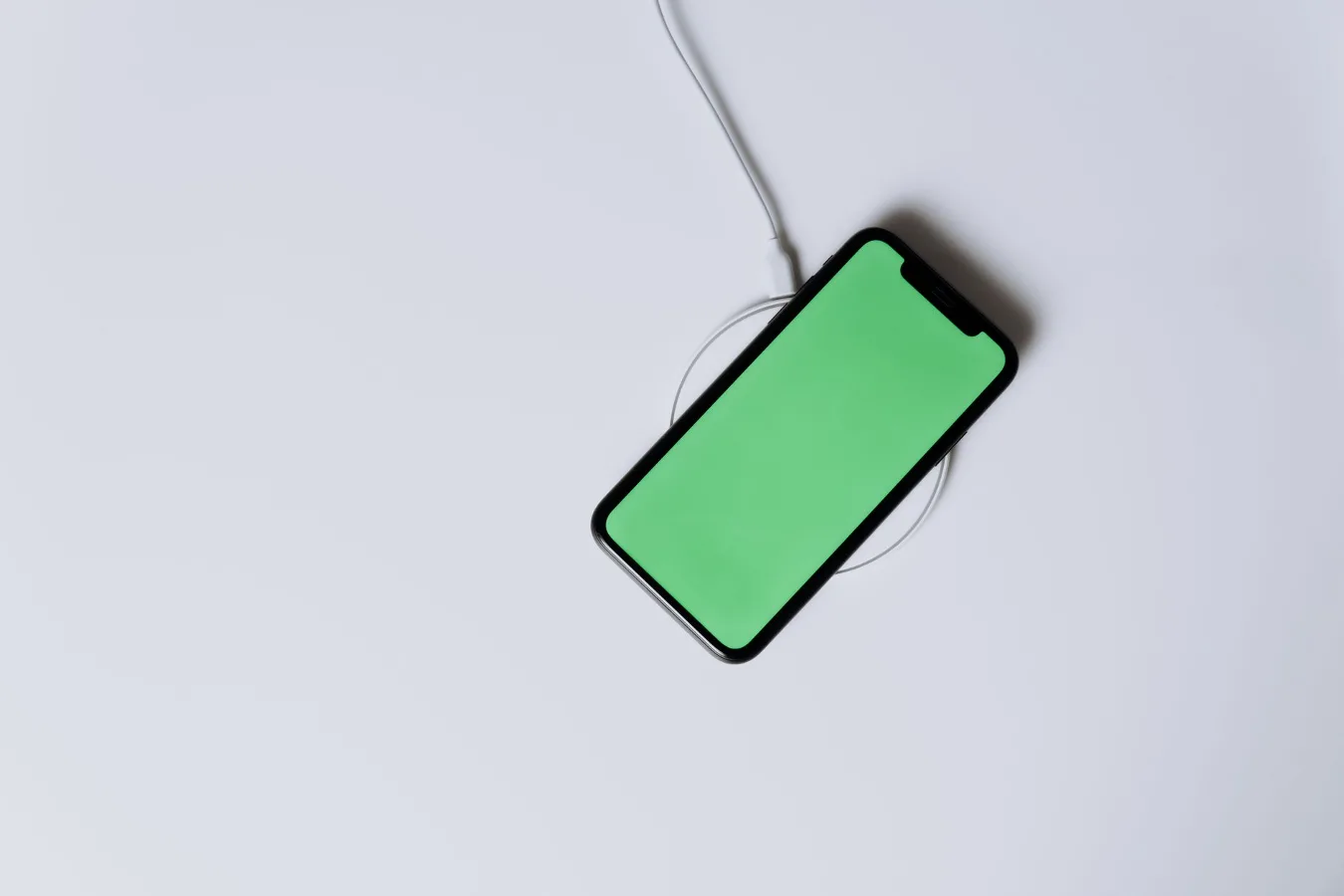
A car phone mount with wireless charging is a practical upgrade if you want your phone visible for navigation while keeping it powered without plugging in a cable every time. The best option for you depends on three things: how your phone charges, where your car can safely hold a mount, and whether you prefer quick convenience or a more secure hold. best phone cases for wireless charging offers more detail on this point. how to keep your phone cool while charging offers more detail on this point. phone accessories for commuting offers more detail on this point.
For many drivers, the appeal is straightforward: one accessory handles both positioning and charging. The catch is that not every model fits every phone case, vent type, or dashboard layout. If you choose based only on the charging feature, you may end up with weak magnet alignment, blocked airflow, or a mount that shifts on rough roads.
Who a wireless charging car mount is best for
This type of mount makes the most sense for drivers who use their phone for maps, calls, or ride-sharing apps and want a cleaner setup than a cable dangling across the console. It is especially useful if you get in and out of the car often and want a place to drop the phone that also keeps the battery from draining.
It is less ideal if you frequently swap between multiple phones, use a very thick or unusual case, or drive vehicles with vents that are too loose or oddly shaped to support a clip-on mount. In those situations, a simpler phone holder or a separate charging cable may be the more reliable choice.
The main decision: mount style first, charging second
Many buyers focus on wireless charging speed first, but mount style usually has a bigger effect on day-to-day satisfaction. If the phone is awkwardly placed or keeps slipping, the charging feature will not matter much.
Dashboard mounts
Dashboard mounts usually offer the most stable viewing angle. They work well if you want the screen higher in your line of sight and your dashboard has a flat, suitable surface. The trade-off is that they may leave adhesive residue or be harder to reposition after installation.
Windshield mounts
Windshield mounts can be easy to place and adjust, and they often give a clear view of the phone. The limitation is that some drivers dislike having anything on the glass, and local rules or personal preference may make this less appealing. They can also be more noticeable in hot weather if suction weakens.
Air vent mounts
Vent mounts are popular because they are compact and easy to move between vehicles. The practical downside is compatibility: not every vent blade is sturdy enough, and some vent designs are angled, thin, or fragile. Another overlooked issue is airflow. If your car’s vents blow directly on the phone, charging efficiency and battery temperature can be affected.
CD slot and other alternative mounts
CD slot mounts can work well in older vehicles with unused CD players, but they are niche. They are worth considering only if the slot is centered, accessible, and structurally solid. Some drivers prefer them because they avoid blocking vents or sticking to the dash, but they are not the most universal option.
Wireless charging features that actually matter
Wireless charging sounds simple, but the details make a real difference. The best car phone mount wireless charging models balance convenience, alignment, and heat management rather than relying on a single headline feature.
Phone compatibility
Check whether the mount supports your exact phone type and case setup. Magnetic systems are often the easiest for recent phones that support magnetic alignment, while clamp-style chargers can work with a wider range of devices. A common mistake is assuming any wireless charger will work through any case. Thick cases, wallets, ring grips, and metal plates can interrupt charging or weaken the hold.
Charging alignment
Wireless charging depends on precise positioning. If the phone sits slightly off-center, it may charge slowly or stop charging during bumps and turns. This is where magnetic alignment or well-designed clamps can be more dependable than a loose cradle.
Power input and car setup
The mount still needs a proper power source, usually through the vehicle’s USB port or a separate adapter. If the port is underpowered, you may get basic charging behavior rather than the experience you expected. A good setup should also keep the cable path tidy so the charger does not swing or strain at the connection point.
Heat management
Heat is one of the most overlooked considerations. Wireless charging naturally creates more warmth than a cable, and car interiors can already run hot. If you use navigation, streaming, or a bright screen at the same time, the phone may get warm faster. Look for a design that promotes airflow and avoid mounting the phone in direct sun if possible.
Material and build factors worth comparing
Because this is a car accessory, durability and grip matter more than flashy extras. The mount should hold steady without scratching the phone or wearing out quickly from repeated use.
Clamping strength and contact surfaces
A secure clamp or magnetic attachment should feel firm but not cumbersome. Pay attention to the contact points: padded or coated surfaces help reduce scuffs on your phone or case. If a mount relies on spring tension, the action should feel consistent instead of loose or brittle.
Arm stability and adjustability
Some mounts use short fixed arms, while others extend or pivot. More adjustment can improve visibility, but every extra joint is another place where wobble can appear. If you drive on rough roads, a simpler design may actually be better because it reduces movement and keeps the phone aligned for charging.
Finish and wear resistance
Plastic housings are common, but not all plastics age the same way. Repeated heat exposure, pressure from clips, and daily removal can expose weak points over time. Metal accents may feel sturdier, but they are not automatically better if the core attachment system is poor.
How to judge fit for your car and phone
The best wireless charging mount is the one that works in your specific vehicle, not just in a product photo.
- Check vent shape and strength: thin or vertical vents may not support heavy mounts well.
- Measure usable dash space: avoid placing a mount where it blocks controls, vents, or airbags.
- Confirm your charging standard: make sure the mount supports the wireless charging behavior your phone expects.
- Account for your case: a slim case and a rugged case can behave very differently.
- Think about screen angle: navigation should be easy to glance at without pulling your eyes off the road for long.
A good rule of thumb is to start with the car layout, then match the mount to it. People often do the reverse and end up choosing a charger that is technically compatible but awkward to use.
Common trade-offs buyers should expect
There is no perfect all-in-one solution here. A car phone mount with wireless charging usually asks you to trade some flexibility for convenience.
Convenience versus speed: wireless charging is simpler than handling a cable, but it may not feel as fast or as efficient as direct wired charging in every situation.
Easy access versus visual clutter: a mount keeps the phone visible, but the larger the cradle or charger body, the more it can stand out on the dash.
Secure hold versus quick removal: a strong clamp is reassuring, yet it can be less effortless if you remove your phone constantly.
Universal fit versus specialized fit: one-size-fits-many designs are flexible, but phone-specific magnetic solutions often feel cleaner and more natural if your device supports them.
Common mistakes to avoid
- Buying by charging speed alone: if the mount cannot stay stable, the charging feature will not matter.
- Ignoring case thickness: a case that works on a desk charger may not work the same way in a moving car.
- Blocking airflow: vent-mounted chargers can interfere with cabin comfort or raise phone temperature.
- Overloading a weak vent: heavier mounts can sag or slip on delicate vent blades.
- Poor cable routing: even wireless mounts need power, and a messy cable can defeat the point of the upgrade.
- Mounting too low or too far away: if the phone is hard to glance at, the setup is less useful for navigation.
Practical buying scenarios
If you want the cleanest daily setup: choose a model with magnetic alignment or a well-designed cradle, then pair it with a mount style that fits your dash or vent without interfering with controls.
If you drive multiple vehicles: look for a mount that is easy to transfer and does not depend on a complex adhesive setup. A vent mount can be convenient, but only if the vents are compatible in each vehicle.
If your phone spends long stretches on navigation: prioritize thermal behavior and stable positioning over extra features. A slightly simpler charger that stays aligned may be the better long-term choice.
If you rely on a rugged case: verify that the mount can accommodate the added thickness before assuming wireless charging will work smoothly.
Alternatives if wireless charging is not the best fit
There are good reasons to skip wireless charging altogether. If your phone case is too thick, your car’s vent layout is awkward, or you need the fastest possible charge, a standard phone mount plus a USB cable may be the more dependable option. That setup is less elegant, but it often gives you better compatibility and fewer heat concerns.
Another alternative is a dedicated car charger without an integrated mount. This can work well if you already have a strong phone holder and only want to upgrade power delivery. It is also easier to replace one part of the system if something wears out.
How to narrow your choice before buying
Before you pick a car phone mount wireless charging model, answer these questions:
- Where will the mount sit without blocking your view or controls?
- Does your phone support wireless charging comfortably with your usual case?
- Will magnetic alignment work for your device, or do you need a clamp style?
- Can your car’s vent, dash, or windshield support the mount securely?
- Will the charger’s power source be easy to route cleanly?
- Do you value speed, heat control, or convenience most?
That sequence helps you avoid a common buying trap: choosing a feature-rich accessory that sounds ideal but does not match your car or driving habits.
Next steps
If you are comparing options now, start by shortlisting the mount style that best suits your vehicle. Then check phone compatibility, case thickness, and how the charger handles alignment and heat. Only after that should you compare extras like automatic clamping, magnetic attachment, or charging indicators.
The best choice is usually not the most feature-packed one. It is the mount that stays secure, keeps your phone easy to read, and charges reliably without getting in the way of daily driving.
For readers building out a broader phone accessory setup, related topics like wireless charging basics for phones, car phone mount placement tips, and how to choose a MagSafe accessory can help you make a more confident decision across the whole device ecosystem.
