
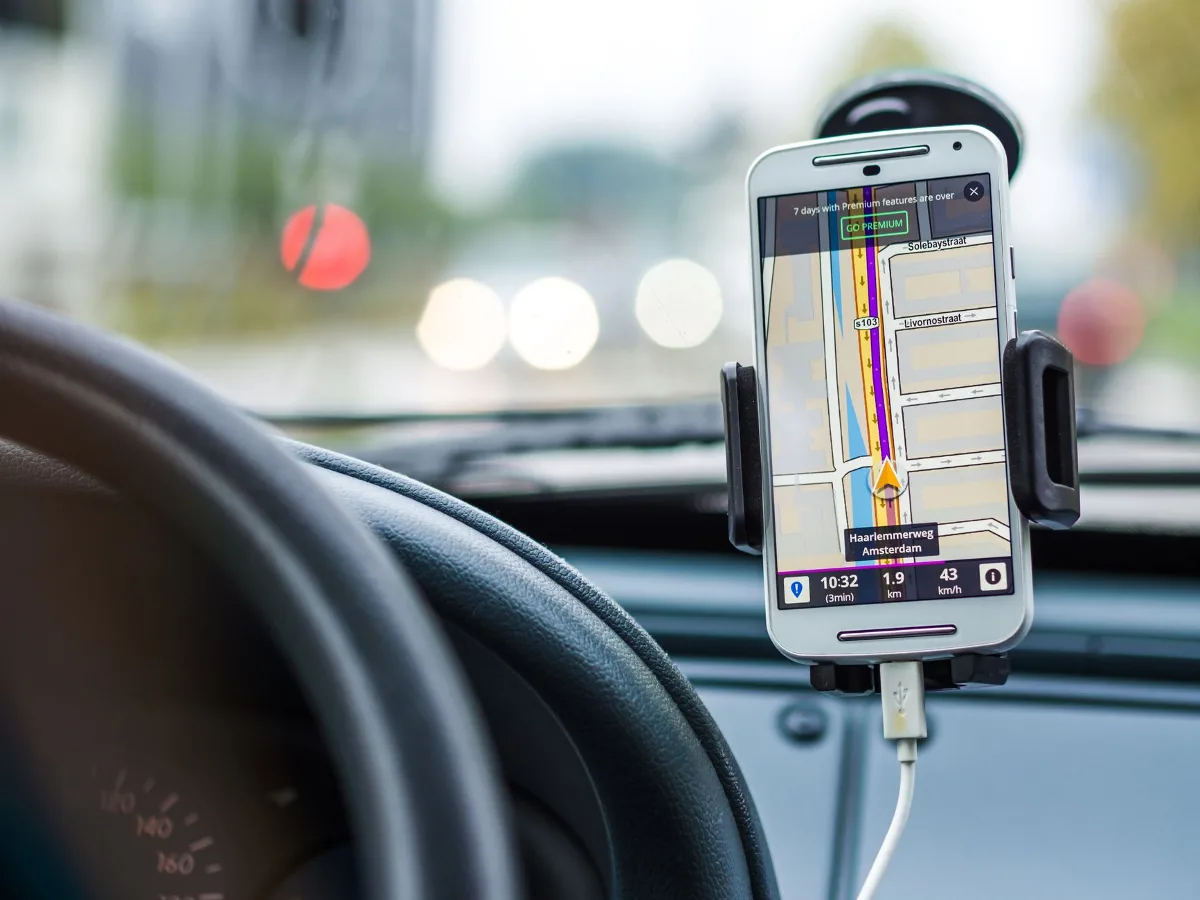
A wireless charging mount for your car is worth considering if you want a cleaner setup than a loose charging cable and a better way to keep your phone visible for navigation. The right model should balance secure holding, reliable charging, and a mounting style that fits your dashboard, vents, and driving habits. car phone mount buying guide offers more detail on this point. choosing the right car charger cable offers more detail on this point. 15w wireless charging pad offers more detail on this point.
The tricky part is that not every wireless charging mount works equally well in every car. Phone size, case thickness, vent shape, dash texture, and whether you prefer a magnetic or clamp-style holder all affect how satisfying the setup will be day to day.
When a wireless charging mount makes sense
This accessory is most useful for drivers who rely on their phone for maps, music, rideshare apps, or frequent call handling. It reduces cable clutter and keeps the device in a predictable spot, which is especially helpful on short commutes and long highway drives alike.
It also makes sense if you often forget to plug in your phone before leaving. A mount that charges as soon as you dock the device can take one step out of your routine. That said, the convenience only matters if the mount stays put and the charger is compatible with your phone and case.
Situations where it is a strong fit
- You use navigation every time you drive.
- You want one-handed placement and removal.
- You prefer fewer visible cables in the cabin.
- You switch between short city trips and longer drives.
- You want a more streamlined setup than a separate charger and holder.
When a different solution may be better
- Your car’s vents are fragile, recessed, or oddly shaped.
- You use a very thick case or wallet-style case.
- Your phone does not support wireless charging.
- You want the fastest possible charging and do not mind using a cable.
- You frequently move the mount between multiple vehicles.
What to check before buying
The best wireless charging mount is usually the one that solves your specific compatibility and placement problems, not the one with the longest feature list. Before you compare brands, narrow down the practical basics.
1. Phone compatibility
Start with your phone model and charging standard. Many wireless charging mounts support Qi-based charging, but that does not guarantee every phone will align well or charge at the same speed. Some magnetic styles are designed around MagSafe on iPhone, while others use a clamp or cradle to support a broader range of devices.
If you use Android, check whether your phone supports wireless charging and whether the charging coil position lines up comfortably with the mount. If you use an iPhone, decide whether you want a MagSafe-style magnetic setup or a universal mount with arms that grip the phone.
2. Case thickness and shape
Cases matter more than many shoppers expect. A thin protective case is usually easier for wireless charging than a bulky rugged case, a wallet case, or a case with a pop-out stand. Some mounts can charge through more material than others, but the safest approach is to assume the case may reduce reliability until confirmed by the product details.
Magnetic mounts bring a different trade-off: they can be very convenient, but only if the phone attaches securely enough for your driving conditions. A stronger magnet is not automatically better if you regularly remove the phone with one hand and do not want extra resistance.
3. Mounting style
The three common mounting styles are vent mounts, dashboard mounts, and windshield mounts. Each has advantages, and the best choice depends on your car interior and sightline preferences.
- Vent mounts are compact and easy to place, but they depend heavily on the vent design.
- Dashboard mounts often feel more stable and can offer a better viewing angle.
- Windshield mounts can be flexible, though they may be less desirable in states or situations where windshield placement is restricted or distracting.
Think about heat as well. A vent mount near an AC outlet may cool the phone in warm weather, but a blast of hot air can work against wireless charging efficiency. In very hot climates, dashboard placement may still be better if it avoids direct heat sources.
4. Power input and cable routing
A wireless charging mount still needs power, usually through USB-C or another included cable and car charger. The mount may look wireless from the phone’s perspective, but the charging performance depends on the power supply behind it. If the car charger is underpowered, the mount may charge slowly or fail to keep up during active navigation.
Pay attention to cable length, where the wire will run, and whether the charger can be tucked away cleanly. A setup that looks tidy in product photos can become annoying if the cable hangs across climate controls or interferes with shifting and storage areas.
How to compare the main types
Instead of shopping by brand first, compare by the kind of driving experience you want. The mount style determines how it feels every single day.
| Mount type | Strengths | Possible drawbacks | Best for |
|---|---|---|---|
| Vent mount | Compact, quick to install, easy to remove | May slip on weak vents or block airflow | Drivers who want a minimalist setup |
| Dashboard mount | Often stable, flexible viewing angle | May leave adhesive residue or need a clean surface | Daily commuters and navigation-heavy drivers |
| Windshield mount | Highly adjustable, clear line of sight | Can feel intrusive or be restricted in some setups | Drivers who want maximum positioning flexibility |
| Magnetic mount | Fast one-handed placement, less mechanical wear | Depends on magnet strength and alignment | iPhone users and quick-dock routines |
| Clamp or cradle mount | Broad compatibility, secure grip | Requires more effort to insert and remove | Mixed-phone households and heavier phones |
Practical buying criteria that matter most
Once compatibility and placement are clear, compare the details that affect daily use. These are the points most likely to separate a mount you tolerate from one you actually enjoy using.
Stability over rough roads
A mount that looks good in a parking lot may still rattle, tilt, or drift on uneven roads. Stability depends on the clamp design, mounting surface, the quality of the joint or arm, and whether the phone’s weight is distributed evenly. If you drive on rough pavement or speed bumps frequently, prioritize a mount known for a firm hold rather than the most flexible arm.
Ease of one-handed use
One-handed docking is a major quality-of-life feature, especially for commuting. Magnetic mounts are often the simplest here, while automatic clamp designs can also work well if they respond smoothly. The more steps required to insert or remove the phone, the less likely the setup will feel effortless after a few weeks.
Viewing angle and glare
Navigation only helps if you can read the screen without constantly adjusting it. A good mount should let you tilt the phone enough to reduce glare and keep maps visible without blocking the road view. This matters even more in cars with deep dashboards or sharply slanted windshields.
Some drivers overlook how sunlight changes the experience. A mount that seems perfectly placed in the evening may become hard to read at midday. If your commute crosses different lighting conditions, angle flexibility is more important than it first appears.
Heat management
Wireless charging creates heat, and car interiors already get warm. That does not mean wireless charging is a poor choice, but it does mean the mount should not trap heat unnecessarily. Vents, sun exposure, and thick cases can all affect how comfortably the phone charges over time.
If your phone tends to warm up during navigation, music streaming, and charging at the same time, look for a setup that gives the device a little breathing room rather than pressing it tightly against a surface that holds heat.
Fit with your interior
Not every mount works well with every cabin layout. Rounded vents, textured dash surfaces, deep cupholder areas, and limited windshield space can make a “universal” product less universal in practice. The most overlooked step is measuring your available space and noticing where your hand naturally reaches while driving.
A simple step-by-step way to choose
If you are comparing options and feeling stuck, use this sequence to narrow the field without overthinking it.
- Confirm phone support. Make sure your phone supports wireless charging and decide whether you want magnetic or clamp-style attachment.
- Check your case. Consider whether your everyday case is thin enough for reliable charging and secure docking.
- Choose a mounting location. Decide between vent, dashboard, windshield, or a less common placement based on your cabin layout.
- Review power needs. Confirm how the mount is powered and whether your car charger can supply enough power for your use case.
- Think about your routine. If you dock the phone constantly, prioritize quick placement. If you keep it mounted for long drives, prioritize stability and viewing angle.
- Check for obstruction risks. Make sure the mount will not block controls, airbags, sightlines, or climate vents you need regularly.
Common mistakes shoppers make
Many disappointing setups are caused by choosing based on appearance alone. A mount can look neat online and still be frustrating in a real vehicle.
- Buying without checking vent shape. Some vent clips work poorly on round, slim, or fragile vents.
- Ignoring case thickness. A mount that charges well with no case may be unreliable once a thick case is added.
- Overlooking cable routing. Messy power cords can defeat the purpose of a tidy wireless setup.
- Choosing the wrong viewing angle. A mount that sits too low or too high can make maps harder to read.
- Assuming all wireless mounts charge equally. The phone, mount, and car charger all affect the result.
- Prioritizing magnet strength alone. A stronger hold is useful, but only if it still allows easy placement and removal.
Examples of the right match for different drivers
The best wireless charging mount often depends on the way the car is used, not just the phone model.
For commuters
If you drive the same route every day, a dashboard or strong vent mount with easy one-handed docking is usually the most convenient. You will care more about consistency and visibility than about maximum adjustability.
For rideshare or delivery drivers
Frequent phone access and navigation calls for a stable mount with a fast, repeatable routine. A design that makes insertion simple and keeps the screen easy to read can matter more than a sleek look.
For road trips
Long drives favor comfort and heat management. A mount with a reliable angle, solid grip, and clean cable management will feel less tiring over several hours.
For households with mixed devices
If more than one phone may use the same mount, compatibility becomes the key issue. Clamp-style mounts are often easier for mixed households than magnetic options tied closely to one ecosystem.
Alternatives worth considering
A wireless charging mount is not the only reasonable in-car solution. Depending on your priorities, another setup may be a better fit.
- Separate phone mount plus USB charger: Better if you want maximum charging consistency or use a phone that charges more reliably by cable.
- Magnetic mount without charging: Useful if you already charge by cable and only want fast phone placement.
- Wireless charging pad in the console or tray: Good if you do not need the screen in view while driving.
- Clamp mount with wired charging: A practical middle ground for phones that are sensitive to wireless charging heat or case interference.
These alternatives are worth considering if your current car layout makes a combined mount feel cramped or if charging reliability matters more than a fully cable-free look.
Checklist before you buy
Use this quick checklist to avoid the most common regrets.
- My phone supports wireless charging.
- My everyday case is compatible or easily removable.
- I know where the mount will sit in the car.
- The mount will not block controls or the road view.
- The charging cable can be routed cleanly.
- I understand whether I need magnetic or clamp-style holding.
- The car charger I plan to use can support the mount’s power needs.
- The design matches my need for stability, adjustability, or speed of use.
A wireless charging mount for a car is most satisfying when it disappears into the driving routine. If it is the right fit, you stop noticing the hardware and simply enjoy having your phone visible, charged, and ready. If it is the wrong fit, the small frustrations add up quickly. That is why compatibility, placement, and cable management matter just as much as the charging feature itself.
For most shoppers, the best choice is the one that matches their phone, their case, and the physical realities of their car. Focus on those basics first, and the rest of the decision becomes much easier.
