
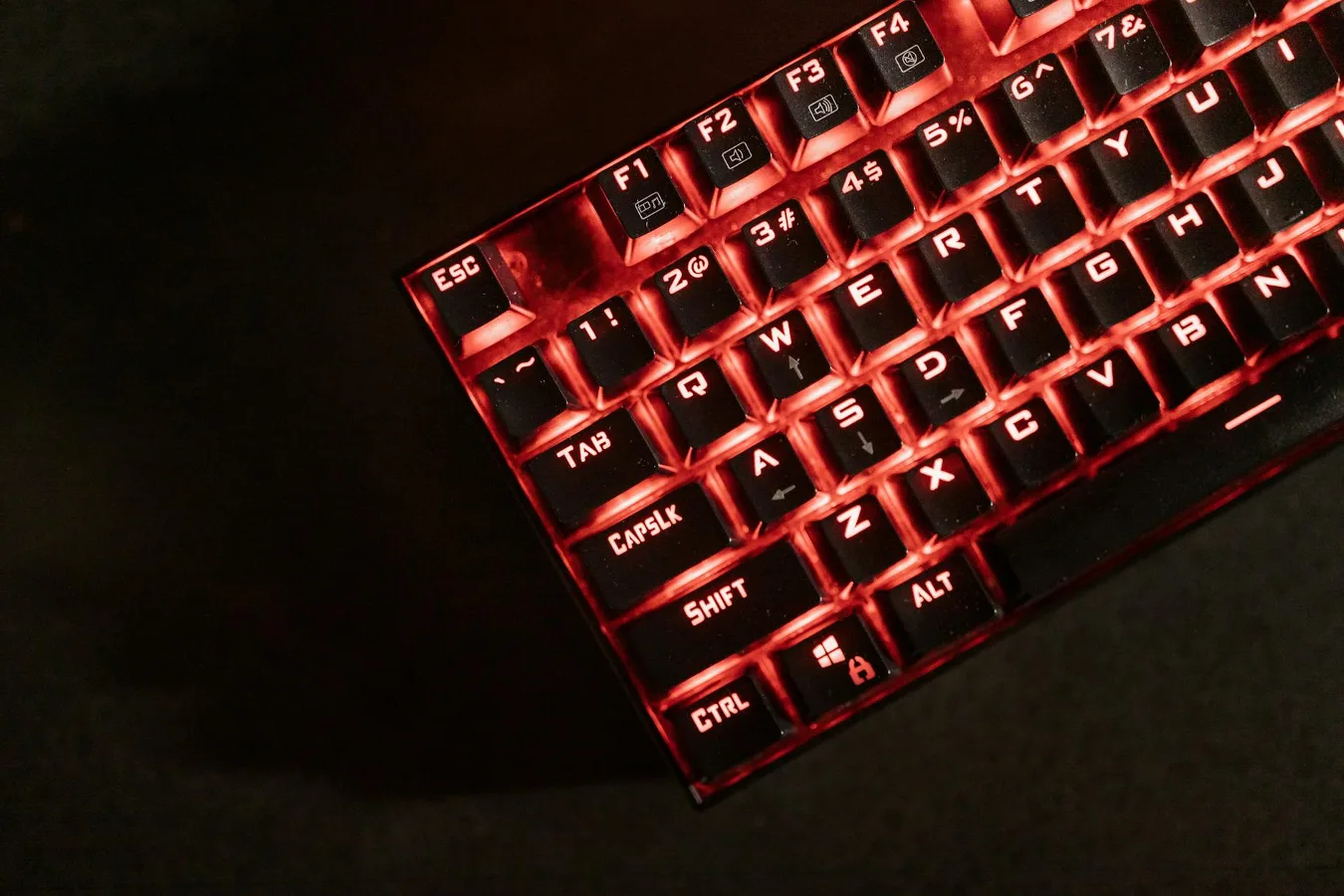
If you want the most quiet mechanical keyboard switch, the answer is usually a silent linear switch. Silent tactile switches can also be very quiet, but they usually feel more textured under the fingers. The quietest choice for you depends on whether you care more about a soft landing, a crisp bump, or a smooth keystroke. learn more about ambidextrous gaming mouse offers more detail on this point. mechanical keyboard vs regular offers more detail on this point.
Sound in a mechanical keyboard is not controlled by the switch alone. Keycap material, plate material, stabilizers, case design, desk surface, and typing force all shape the final noise level. That is why one switch can sound calm in one keyboard and noticeably louder in another.
What makes a mechanical switch quiet?
A mechanical switch gets quieter when it reduces the hard impact that normally happens at the top and bottom of a keystroke. In quiet switches, small dampening parts soften the downstroke, upstroke, or both. That lowers the sharp click or clack that many people associate with standard mechanical boards.
There are two broad paths to a quieter board:
- Switch-level dampening, which is built into the switch itself.
- System-level noise reduction, which comes from the keyboard build as a whole.
Many buyers focus only on the switch name, but that can be a mistake. A silent switch helps, yet it cannot fully cancel out loud stabilizers, hollow case resonance, or hard-bottoming keystrokes.
The quietest switch types to look at
For most shoppers, the quietest options fall into a few familiar categories. The exact sound depends on the specific model, but these groups are the most relevant starting point.
Silent linear switches
Silent linear switches are usually the quietest all-around choice. They move smoothly from top to bottom without a tactile bump, and the dampening parts help soften both the downstroke and return. That makes them a strong fit for shared offices, late-night work, and users who prefer a softer typing sound. silent linear switches for everyday typing offers more detail on this point.
They are also popular with gamers who want low noise and a clean, predictable key press. The trade-off is feel: some typists find linears less informative because there is no bump to signal the actuation point.
Silent tactile switches
Silent tactile switches aim to keep the quieter feel while adding a bump. That bump can make typing feel more deliberate, which helps some writers and programmers. They are still quiet, but the tactile event can create a little more character than a silent linear switch.
These switches suit users who want a quieter board without giving up feedback completely. The downside is that tactile switches can feel more fatiguing to some people over long sessions, especially if the bump is strong or if they type with a heavy hand.
Low-noise standard switches
Some standard linear or tactile switches are not officially silent but still sound relatively restrained when paired with the right keyboard. They may work well if you want a quieter board without the softer, sometimes muted feel of silent switches.
This route is worth considering if you like a firmer bottom-out or want a more natural sound profile. Just remember that “quieter” is not the same as “silent.”
How to choose the right quiet switch
The best quiet switch is not always the absolute softest one. The right choice depends on how you type, where you use the keyboard, and what kind of feedback you prefer.
1. Start with the sound profile you want
Some people want the lowest possible noise. Others want a quieter keyboard that still feels mechanical and responsive. Those are different goals.
- If you want the least noise overall, start with silent linear switches.
- If you want feedback with reduced noise, look at silent tactile switches.
- If you like a firmer mechanical sound but less clatter, consider a moderately quiet linear or tactile switch and improve the rest of the build.
2. Think about typing style
Heavy typists often create more sound no matter what switch they use. If you bottom out hard, even a silent switch can become noticeably louder because the keycap still hits the switch housing or plate area with force.
If your typing is light and controlled, the quietest switches will sound especially subdued. If you type aggressively, pay attention not just to the switch name but also to actuation force and how the key returns.
3. Match the switch to the keyboard use case
Office use, gaming, writing, and shared spaces do not all benefit from the same feel. A quiet switch for a shared workspace may not be ideal for someone who wants a more expressive typing response at home.
- Office and shared spaces: silent linear or silent tactile switches are usually the safest choice.
- Writing and long-form typing: silent tactile switches may provide more guidance for some users.
- Gaming: silent linear switches are often preferred for consistency and minimal distraction.
4. Check compatibility before buying
Switch compatibility is easy to overlook. Most modern mechanical keyboards use MX-style switches, but not every board supports every switch type. Hot-swap sockets, PCB support, pin count, stem style, and switch housing dimensions all matter.
If you are changing switches in an existing keyboard, confirm that the switch fits the plate and PCB before you buy. A quiet switch that does not fit is no help at all.
What people often miss about keyboard noise
A common misconception is that the switch determines almost all of the sound. In reality, the keyboard’s other parts can dominate the sound profile.
Keycaps affect tone and pitch. Thicker keycaps often sound deeper, while thinner ones can sound sharper. Stabilizers on larger keys like the spacebar, Enter, and Shift can introduce rattling if they are not tuned well. Case material and internal foam can change how much resonance you hear. Even the desk surface matters, since a hard hollow desk can amplify impact noise.
This means a quieter switch can still sound unpleasant in a poor build. It also means a more affordable switch can sound surprisingly good in a well-tuned keyboard.
Silent switches: benefits and trade-offs
Quiet switches offer clear advantages, but they are not automatically the best choice for everyone.
Benefits
- Reduced noise in offices, dorms, and shared rooms
- Less distraction during late-night work or gaming
- More comfortable for users who dislike sharp switch noise
- Better fit for environments where keyboard sound matters socially
Trade-offs
- The feel can be softer or slightly muted compared with standard switches
- Some silent switches lose a bit of tactile clarity
- Many quiet switches sound less “crisp,” which some enthusiasts dislike
- Quietness can vary depending on keyboard build and typing force
That last point matters. A silent switch is not a guaranteed solution if the keyboard is already loud from stabilizers, resonance, or hard keycap impact.
Examples of how to narrow the choice
These examples can help translate features into real decisions.
If you want the quietest possible typing
Choose a silent linear switch and pair it with a keyboard that has well-tuned stabilizers. Add soft landing improvements through keycaps, desk mat use, and careful typing pressure if needed.
If you want quiet typing but still want feedback
Choose a silent tactile switch. This is often the best compromise for users who dislike the feel of a completely smooth linear switch but still need lower noise.
If you mostly care about a pleasant sound, not absolute silence
Consider a reasonably calm linear switch and focus on the build. Sometimes a good set of keycaps, tuned stabilizers, and a more solid case can matter more than chasing the quietest switch category.
Practical checklist before you buy
Use this quick checklist to avoid common mistakes when choosing a quiet switch.
- Decide whether you prefer linear or tactile feedback.
- Check whether the switch is truly silent or only lower-noise.
- Confirm compatibility with your keyboard’s mount and PCB.
- Consider how hard you type.
- Think about the rest of the board, not just the switch.
- Review whether the sound profile suits your environment.
- Plan for stabilizer tuning if larger keys bother you.
If you are building from scratch, it can be smart to choose the keyboard case and keycaps with noise in mind before settling on the switch. A quiet switch on a resonant board may still disappoint. A moderately quiet switch in a well-damped build may feel much better than expected.
Quiet switch alternatives worth considering
Sometimes the best answer is not a different switch, but a different approach to noise reduction. These alternatives can help if you already have a keyboard you like.
- Lubed stabilizers can reduce rattle on larger keys.
- Thicker keycaps may soften the overall tone.
- Desk mats can reduce impact and vibration transfer.
- Internal case dampening may reduce hollow resonance in some boards.
- Typing technique can make a bigger difference than expected if you bottom out heavily.
These options do not replace a quiet switch, but they can improve the result enough that you do not need the softest possible switch to get a comfortable typing experience.
Who should pick a silent switch?
Quiet switches make the most sense for people who need low noise without giving up the mechanical keyboard format.
- Remote workers in shared homes
- Students in dorms or libraries
- Office users in open-plan spaces
- Night typists who do not want to disturb others
- Gamers who prefer a less distracting board
They may be less appealing for enthusiasts who enjoy a sharper sound profile or a more pronounced tactile response. If the acoustic character of the keyboard matters to you as much as performance, you may want to compare a few quiet options before deciding.
Choosing the most quiet mechanical keyboard switch, realistically
If your main goal is maximum quietness, start with a silent linear switch. If you want quietness plus feedback, a silent tactile switch is the better compromise. If you are trying to reduce noise in a practical way, remember that the switch is only one part of the equation.
The smartest choice is the one that fits your typing style, your environment, and the rest of your keyboard build. Quiet does not have to mean dull, but it does usually mean making a few trade-offs in feel, sound character, or both.
