
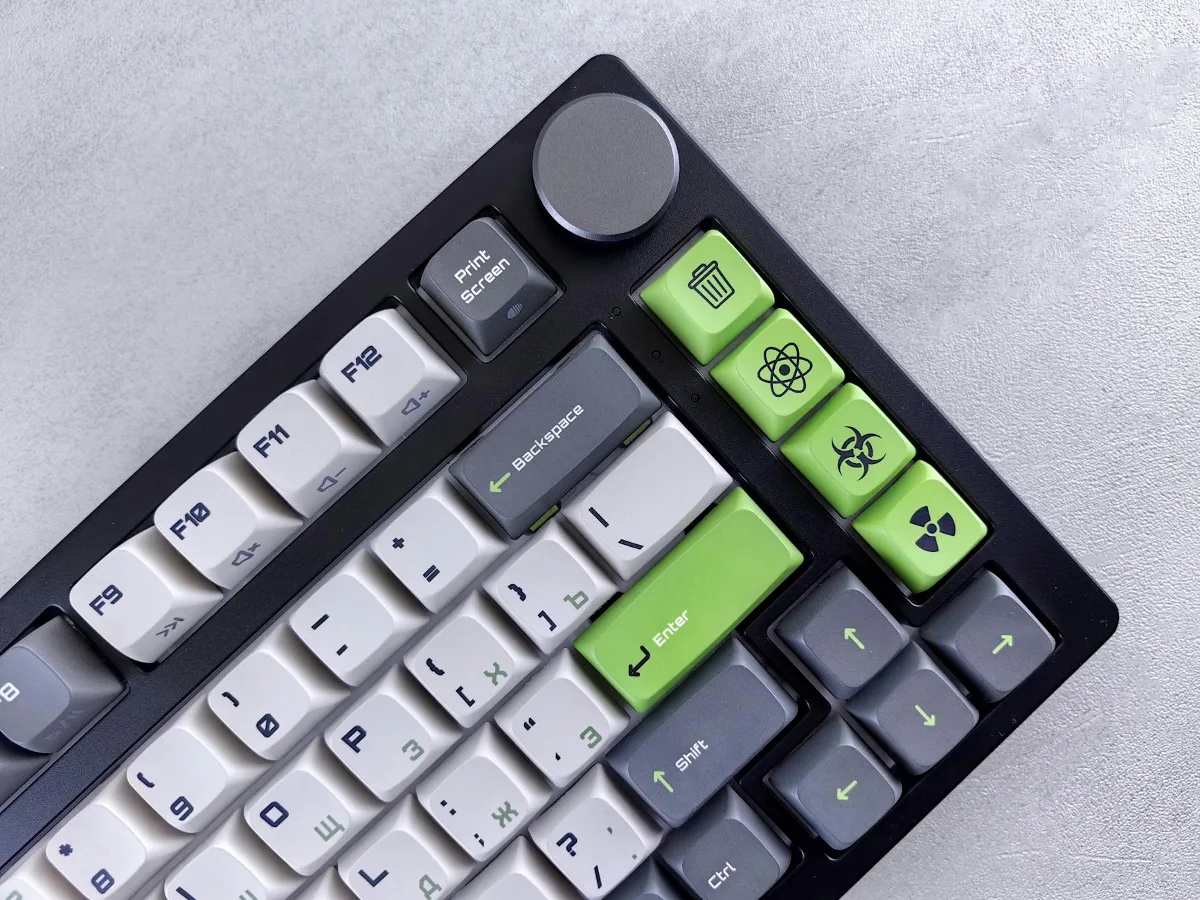
A mechanical keyboard with screen is a mechanical keyboard that adds a built-in display to the usual keys, switches, and lighting. That screen may show system stats, keyboard settings, media information, custom icons, shortcuts, or simple status readouts, depending on the model and software support. For many buyers, the screen is less about novelty and more about whether it makes the keyboard easier to use every day. mechanical keyboard layouts offers more detail on this point.
That is the right way to approach this category: not as a flashy accessory, but as a keyboard purchase with an extra layer of function. The display can be genuinely useful for some workflows, but it can also be a feature you barely notice if the software is clunky or the layout is cramped. The best choice depends on whether you want a practical control surface, a more personalized desk setup, or simply a standard mechanical board with a visual accent. mechanical keyboard size and layout guide offers more detail on this point. best mechanical keyboard features to compare offers more detail on this point.
Who actually benefits from a screen on a mechanical keyboard?
The screen makes the most sense for users who like quick visual feedback without moving their attention away from the keyboard area. That can include gamers, streamers, editors, programmers, office users who juggle multiple devices, and people who assign lots of macros or profiles. If you often change profiles, adjust volume, monitor caps lock or connection status, or use layered shortcuts, a screen can make those actions easier to confirm at a glance.
It is less compelling if you mainly want a solid typing experience and rarely change settings. In that case, the screen may not improve daily use enough to justify paying more or accepting compromises in layout, software support, or repairability. A misconception worth challenging is that every display-equipped keyboard is automatically more advanced. Sometimes the screen is little more than a decorative add-on with limited usefulness outside a narrow set of features.
The main trade-offs to think through
Buying a mechanical keyboard with a screen is usually a trade-off between convenience, customization, and simplicity. The keyboard may offer extra information and a more premium feel, but that does not automatically mean better typing comfort or better long-term value. The display can also introduce dependencies: if the companion software is weak, the feature set may feel constrained even when the hardware looks impressive.
There is also a physical trade-off. Some screen-equipped models reserve space for the display that could otherwise have gone to a standard layout, larger keycaps, or a different control cluster. On compact boards, this can affect how comfortable the keyboard feels if you prefer dedicated function keys, a numpad, or extra navigation keys. For buyers who care most about pure typing efficiency, that matters more than the screen itself.
Another practical constraint is durability of the feature set, not just the keyboard body. Mechanical switches and stabilizers can usually be assessed with familiar criteria such as feel, mounting style, and ease of maintenance. The screen depends on electronics, firmware, and software support, which can age differently from the rest of the board.
What to compare before you buy
Display type and usefulness
Not all screens do the same job. Some are simple status displays. Others support custom graphics, system monitoring, media info, or app-driven content. A small monochrome screen may be perfectly fine if you only want practical alerts. A richer display may be worth it if you expect to use it for personalization or workflow shortcuts.
Ask a simple question: what do you want the screen to show on a regular basis? If the answer is vague, the display may become a novelty rather than a tool. The more specific your use case, the easier it is to judge whether the feature justifies the extra complexity.
Software and compatibility
For many screen-equipped keyboards, the software experience matters as much as the hardware. Look for compatibility with your operating system, easy profile switching, and clear controls for remapping keys or managing the display. If the keyboard relies on a companion app for basic features, that app should be part of your buying decision.
Compatibility is a common overlooked consideration. A keyboard can look ideal on paper but feel disappointing if software support is limited, slow to update, or awkward on your platform. That is especially relevant for buyers who switch between Windows, macOS, or multiple machines. A good screen is only useful if the information or controls stay accessible when you need them.
Layout and desk fit
Consider the keyboard size as carefully as the screen itself. Full-size boards give you the most complete key set, while tenkeyless, 75%, 65%, and compact layouts save desk space and may improve mouse reach. A screen can be integrated into any of these designs, but the placement changes the way the board feels in daily use.
If you work with spreadsheets, data entry, or repeated numeric input, a numpad may matter more than a display. If you play games or prefer a cleaner desk footprint, a compact layout can be more valuable. The screen should enhance the layout, not force you into one that creates new frustrations.
Switch feel, mounting, and acoustics
The screen often gets attention first, but the switches still define how the keyboard feels. Think about linear, tactile, or clicky switches based on your typing style and noise tolerance. Also consider whether the board supports hot-swapping, which can make future switch changes much easier.
Mounting style, case material, stabilizers, and plate design all affect sound and feel. A keyboard with a screen is still a mechanical keyboard, so the basic fundamentals matter. If the typing experience is poor, the display will not make up for it. For many buyers, the right switch and acoustic profile are more important than any extra visual feature.
Build materials and durability
Material choices influence weight, rigidity, and long-term feel. Plastic cases can keep a keyboard lighter and more affordable, while aluminum or metal-heavy builds often feel sturdier on the desk. Neither is automatically better, but each suits a different user profile.
With a screen-equipped keyboard, build quality becomes especially important because the display area adds another component that should feel integrated rather than fragile. Check how the screen is housed, whether the board feels stable during typing, and whether the surrounding chassis appears designed for daily use rather than display-first aesthetics. A good design makes the screen feel like part of the keyboard, not a separate gadget attached to it.
Where the screen helps most in real use
For gaming, a screen can display profile changes, connection mode, macros, or system information without forcing you to alt-tab or open a separate utility. For content creation, it may help with quick access to tools, media control, or status information while editing. For office work, it may provide useful confirmations like lock-state indicators, profile awareness, or shortcut feedback.
The strongest use cases are the ones that reduce friction. If the display saves a few small steps many times a day, it can be worth it. If it only looks interesting during setup and then goes unused, the premium may not be justified.
One practical nuance: the more you rely on the screen, the more you should care about legibility. Brightness, viewing angle, icon clarity, and how much information can fit on the display all matter. Tiny screens with busy layouts can be harder to use than a simple indicator with well-designed software.
Limitations buyers often miss
Screen-equipped keyboards are sometimes marketed as smarter than they actually are. In practice, the display may be limited by software ecosystems, app integration, or the keyboard’s own control logic. A screen that looks highly flexible in product photos may feel narrow once you start using it with your own workflow.
Another limitation is that customization can become a time sink. Some buyers enjoy tuning profiles, icons, and shortcuts. Others want a keyboard that works consistently with little setup. If you fall into the second group, a simpler mechanical keyboard may be the better long-term fit.
Repair and replacement can also be more complicated. A standard mechanical keyboard may be easier to service because many parts are familiar and widely documented. Once a screen enters the design, there are more components that can influence the overall experience, from firmware behavior to connector reliability. That does not mean the keyboard is fragile, only that the feature adds another layer to evaluate.
Good alternatives if you want the benefits without the screen
If your main goal is customization, a programmable mechanical keyboard without a screen may offer a cleaner path. You can still gain layer support, macros, remapping, and hot-swappable switches without depending on a display or companion software.
If your goal is visual feedback, consider a keyboard with strong indicator lighting, a dedicated macro row, or clear on-board status LEDs. Those can deliver useful information with fewer software dependencies. Some users may also prefer a separate small desktop display or a monitor widget rather than embedding everything into the keyboard.
If your priority is typing quality, invest in switch type, keycap profile, case build, and layout first. Those choices affect comfort every minute you use the keyboard. The screen is best treated as an enhancement after the fundamentals are right.
Common buying mistakes
- Choosing the screen first and ignoring layout, switch feel, or software support.
- Assuming every display feature will work the same way across operating systems.
- Buying a compact layout without checking whether you still need a numpad, function row, or navigation cluster.
- Overestimating how often you will use custom graphics or extra display widgets.
- Ignoring the keyboard’s acoustics and stabilizers because the visual design looks appealing.
- Focusing on RGB and screen effects instead of build quality and long-term usability.
How to narrow the field before you purchase
Start with your daily use case. If you type all day, prioritize comfort, layout, and switch feel. If you game frequently, make sure the board supports the shortcuts, macros, and profile changes you actually need. If you work across multiple devices, check whether the software and onboard memory fit that workflow.
Then judge the display itself by function, not just appearance. A useful screen should provide information you care about often enough to matter. If it can do that while keeping the keyboard easy to live with, it earns its place. If not, you may be better off choosing a more traditional mechanical keyboard and putting the budget toward a better switch set, stronger build, or higher-quality keycaps.
For many shoppers, the right decision comes down to balance. A mechanical keyboard with screen can be a smart pick when the display supports a specific routine. It is a weaker choice when the screen is the main attraction and the rest of the board is average. Focus on how the keyboard will feel after the novelty wears off, because that is when the real value shows up.
Next steps for shoppers
Before you buy, make a short checklist: layout, switch type, software compatibility, display usefulness, build material, and whether hot-swapping or onboard memory matters to you. Then compare a few models against that list instead of relying on photos or feature headlines.
If you are still undecided, separate must-haves from nice-to-haves. That simple step usually makes the choice clearer. A screen can be a genuinely useful feature, but only when it fits the way you type, play, and work. For everyone else, a well-built mechanical keyboard without a display may be the more sensible purchase.
