
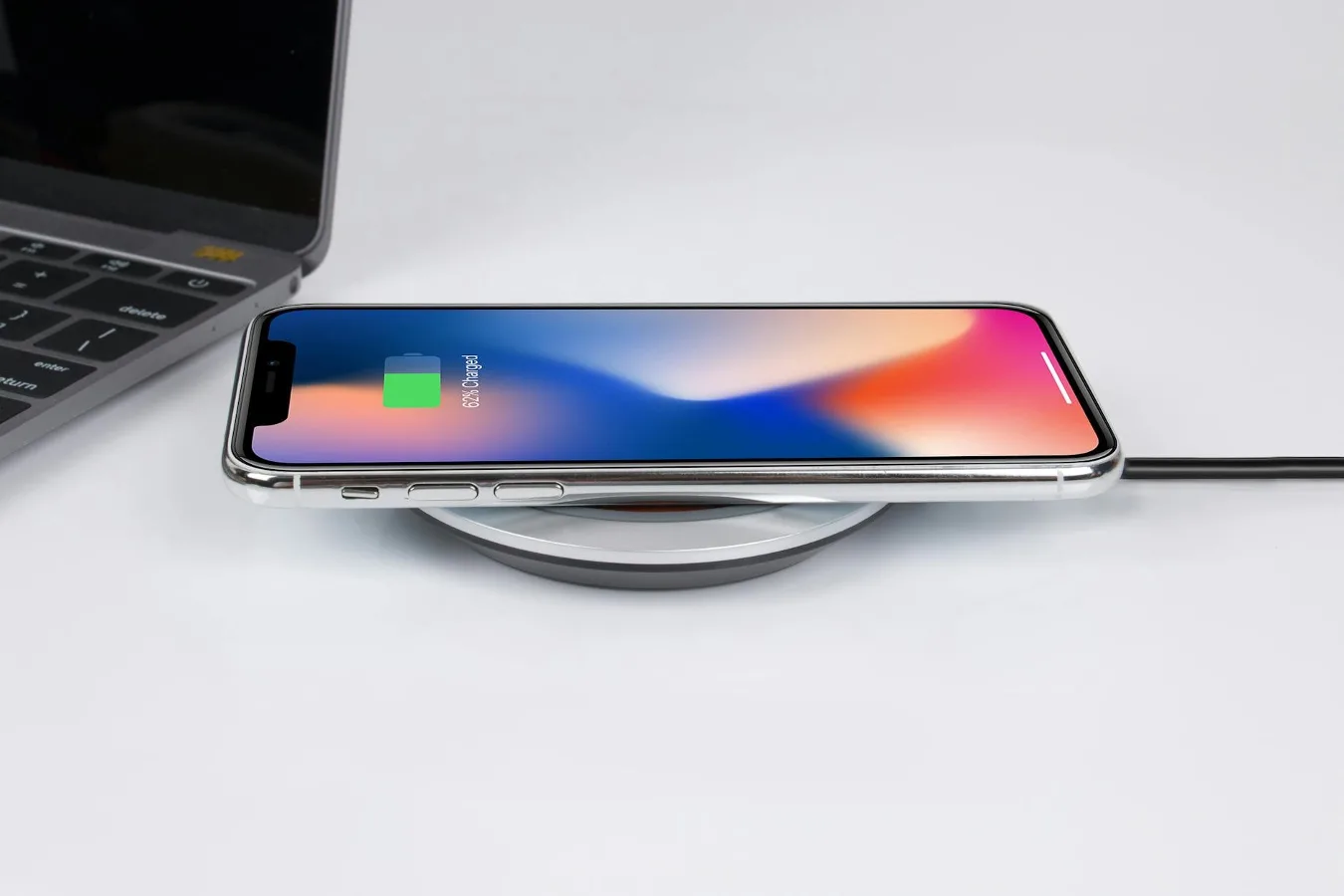
Which Samsung phones charge wirelessly?
If you are looking for a Samsung phone that charge wirelessly, the short answer is that many Galaxy models do—but not every Samsung phone does. Wireless charging is most common on higher-tier Galaxy devices, especially in the Galaxy S family, many Galaxy Z models, and some Galaxy Note phones. If wireless charging matters to you, the safest approach is to verify the exact model rather than assume every Samsung phone includes it.
That distinction matters because Samsung sells phones across a wide range of price points and feature sets. Some models prioritize battery size, screen quality, or affordability, while wireless charging is reserved for devices that also support premium convenience features such as fast wireless charging and, in some cases, reverse wireless charging. wireless charging and phone cases offers more detail on this point. Best Phone Cases for Samsung S24 offers more detail on this point.
For buyers in the U.S., the decision is usually less about whether Samsung offers wireless charging at all and more about which Galaxy line fits your needs. A phone may support wireless charging but still have trade-offs in charging speed, case sensitivity, or accessory compatibility. Those details are what separate a useful purchase from a frustrating one.
When wireless charging matters most
Wireless charging is not essential for everyone. It becomes most valuable in a few specific situations:
- You charge your phone repeatedly throughout the day. A drop-in charger can be easier than plugging and unplugging a cable every time.
- You keep your phone on a desk or nightstand. Wireless pads work well for low-effort top-ups during work or overnight charging.
- You care about reducing wear on the charging port. Fewer cable insertions can mean less physical stress on the USB-C port over time.
- You already use other wireless accessories. If you own a Qi charger, multi-device stand, or a Samsung watch and earbuds, a compatible phone can fit neatly into that setup.
There are also situations where wireless charging is less compelling. If you need the fastest possible refill, a cable is still the more practical option for many people. Wireless charging can also be less convenient if you move around a lot, use thick cases, or need to use the phone while it is charging.
How to check whether a specific Samsung model supports it
The simplest way to confirm support is to check the phone’s official specifications for wireless charging, Qi compatibility, or reverse wireless charging. Those terms are more reliable than general product summaries, which can sometimes leave out accessory details.
A few practical steps help avoid mistakes:
- Look up the exact model number. Samsung often releases multiple variants within the same family, and features can vary by model line.
- Check the charging section of the official spec sheet. Do not rely on a retail title alone.
- Confirm whether the phone supports standard Qi charging or also supports faster wireless charging modes. Those are related but not identical.
- Look for reverse wireless charging if you want to top up earbuds or a watch from the phone itself.
One common misconception is that if a Samsung phone has wireless charging, it will work equally well with every charger. In practice, charger design, power output, case thickness, and phone alignment all affect the experience. Compatibility is broader than a simple yes-or-no feature check. aira wireless charger offers more detail on this point.
What to compare before you buy
If two Samsung phones both support wireless charging, the best choice depends on how you plan to use the phone day to day. The most useful comparison points are not limited to charging alone.
Charging speed
Wireless charging speeds vary by model and charger. A phone that supports wireless charging still may not charge as quickly as it does over a cable. If you care about quick top-ups, check both the phone’s supported wireless charging spec and the charger you plan to use.
Battery capacity and charging habits
A larger battery can be helpful, but it does not automatically make wireless charging a better experience. A phone with a bigger battery may take longer to refill wirelessly, so balance battery size against how often you expect to recharge.
Case compatibility
Many Samsung phones will charge through a case, but not all cases are equally friendly to wireless charging. Very thick cases, metal-backed cases, magnetic accessories that are not designed for the phone, and poorly aligned wallet cases can interfere with charging or slow it down.
Desk and car use
If you want wireless charging mainly for your desk or car, consider how the phone sits on the charger. Flat pads, upright stands, and vehicle mounts each create a different experience. Folding phones and large phones can be more sensitive to placement, so charger design matters more than many shoppers expect.
Accessory ecosystem
Samsung users often pair phones with Galaxy Buds, Galaxy Watches, and other Qi accessories. If you already use those devices, a phone with wireless charging and reverse wireless charging can fit better into a streamlined charging setup.
Examples of Samsung phone lines where wireless charging is common
Without narrowing this to a single model list, wireless charging is commonly found in Samsung’s premium Galaxy families. That usually includes many Galaxy S models, many Galaxy Z devices, and several Galaxy Note phones from earlier generations. Midrange and entry-level Galaxy A phones are more mixed, so they deserve extra verification.
That spread is useful for shoppers because it shows how Samsung segments features. Wireless charging tends to appear first in higher-end models, then may be absent in value-focused phones even when those phones look similar on the surface. The external design alone is not a dependable indicator.
If your main priority is wireless charging, the practical question is not “Is there a Samsung phone that does this?” but “Which Galaxy line gives me the right mix of charging support, size, battery life, and budget?”
Step-by-step way to choose the right Samsung phone
A good decision process keeps you from paying for features you do not need or overlooking a limitation that will bother you later.
- Decide how important wireless charging is. If it is a convenience feature rather than a must-have, you may have more model options.
- Choose your preferred Galaxy family. Premium models are more likely to include wireless charging, but they also come with other trade-offs such as size or cost.
- Check the charging spec carefully. Confirm wireless charging support, charger type, and whether reverse wireless charging is included.
- Think about case use. If you rely on a rugged or bulky case, make sure wireless charging still makes sense for your setup.
- Compare wired and wireless use in real life. If you charge mostly overnight, wireless charging may be enough. If you need frequent rapid charging, cable support matters more.
- Match the phone to your accessories. If you already own Qi chargers, a Samsung model with broad compatibility can save hassle.
Common mistakes people make
A few avoidable errors show up again and again when shoppers look for a Samsung phone with wireless charging.
- Assuming all Galaxy phones support it. They do not.
- Confusing wireless charging with reverse wireless charging. These are different features.
- Buying a charger without checking alignment and power support. A compatible phone can still charge poorly on the wrong pad or stand.
- Overlooking case thickness. A case that feels harmless may be enough to weaken charging performance.
- Choosing wireless charging as the only criterion. Camera quality, display size, battery life, and software support often matter more over the life of the phone.
Another overlooked consideration is heat. Wireless charging naturally generates more heat than a cable in many setups, especially if the phone is not aligned well or the charger is working harder than necessary. Heat does not automatically mean a problem, but it is one reason to use a quality charger and avoid stacking the phone on top of other warm devices.
Wireless charging alternatives worth considering
If wireless charging sounds convenient but not essential, there are a few practical alternatives.
USB-C wired charging is still the most direct option. It is simple, broadly compatible, and usually better when you need a faster top-up before leaving the house.
Wireless charging stands can be a good middle ground if you want the convenience of drop-in charging with a better viewing angle for notifications, video calls, or desk use.
Portable power banks remain useful for travel and long days away from a wall outlet. They are not wireless by default, but they are more flexible than a charging pad when you are moving around.
Reverse wireless charging is helpful in a pinch, but it should be treated as a convenience feature rather than a primary charging method for earbuds or other accessories.
Practical checklist before you decide
Use this checklist if you want a Samsung phone that charge wirelessly and you want to avoid surprises after purchase:
- Confirm the exact model supports wireless charging
- Check whether it uses standard Qi charging
- Verify support for reverse wireless charging if you want it
- Compare wireless charging speed with wired charging speed
- Make sure your case will not interfere
- Choose a charger that fits your desk, nightstand, or car setup
- Decide whether wireless charging is a must-have or a nice-to-have
This checklist is especially helpful if you are comparing phones across Samsung’s lineup. A premium model may offer the convenience you want, but a less expensive phone may still be the better choice if you mostly charge overnight and do not need wireless charging often.
Choosing the best fit for your routine
The right Samsung phone with wireless charging is the one that fits your habits, not just your wish list. If you keep your phone on a desk, use multiple accessories, and appreciate easy daily charging, wireless support can be a genuine quality-of-life feature. If your priority is quick charging, maximum value, or a lighter setup, wired charging may still be the smarter default.
That balance is the real decision point. Wireless charging is convenient, but convenience only matters when it matches how you actually use your phone. For many buyers, the best Samsung choice is the one that gives them reliable charging options without forcing them into accessory compromises later.
