
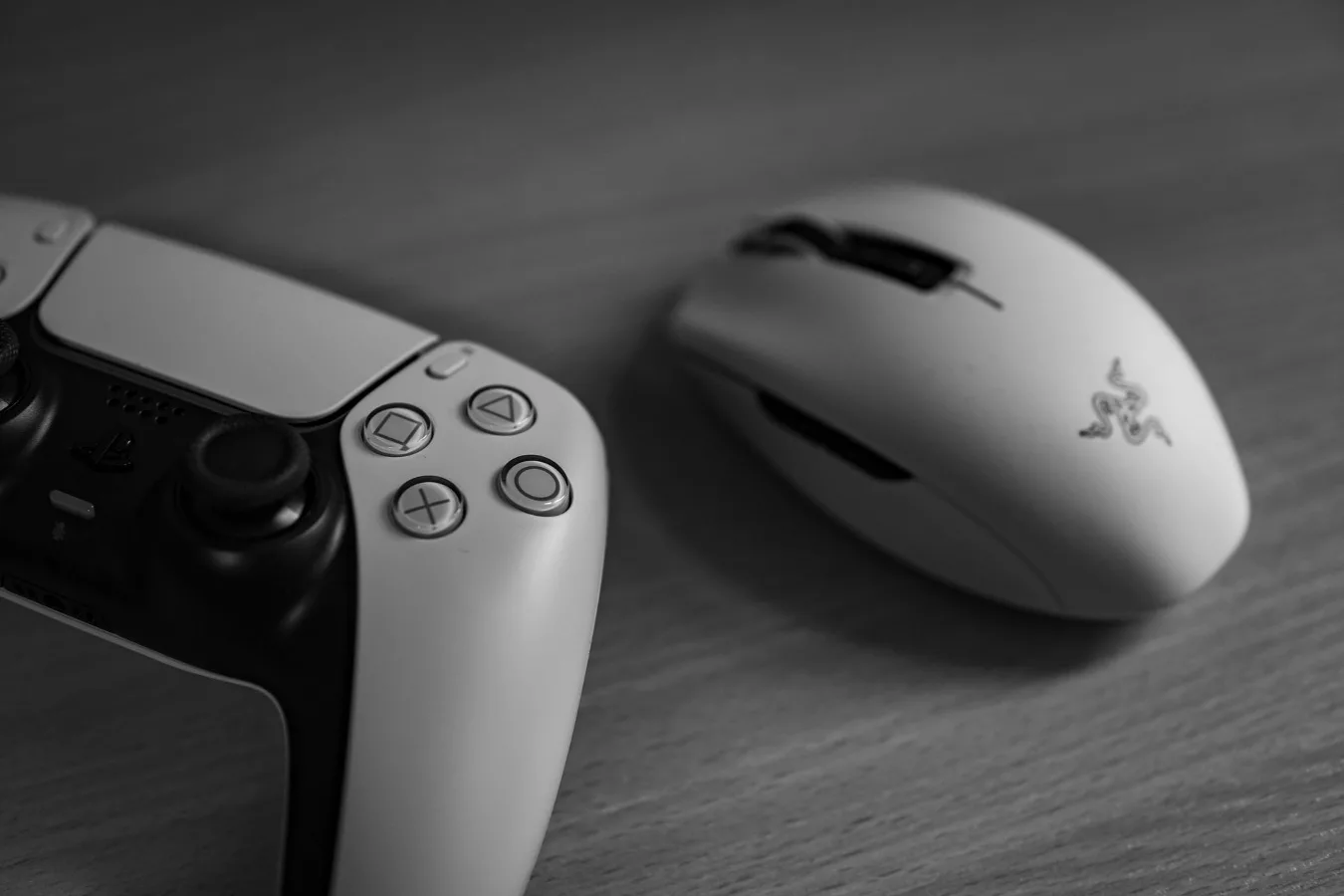
If you have smaller hands, the best gaming mouse for small hands is usually one that keeps every control within easy reach without forcing your hand to stretch. That often means a compact shape, sensible weight, and a grip style that matches how you actually play. understanding grip styles for gaming mice offers more detail on this point. lightweight mice for competitive play offers more detail on this point. Purple Gaming Mouse Guide: How to Choose One offers more detail on this point.
There is no single perfect model for every small-handed gamer. A mouse that feels ideal for fingertip grip may feel cramped for palm grip, and a shell that looks “small” on paper can still feel awkward once you place your hand on it. The safest approach is to focus on shape, button placement, weight, and how the mouse supports your preferred grip.
Quick answer: what to look for first
For most people with small hands, the best starting point is a compact mouse with a low or moderate hump, short overall length, and easy-to-reach side buttons. If you play fast-paced games, a lighter mouse often feels easier to move and reposition. If you prefer more support, a small ergonomic shell may be better than a highly curved ambidextrous design.
Here is the short version of the decision:
- Fingertip grip: look for a small, light mouse with a narrow body and minimal palm contact.
- Claw grip: choose a compact mouse with a defined hump that supports the back of the hand.
- Palm grip: look for a shorter ergonomic mouse that still fills the palm without overextending the fingers.
- Wireless vs wired: wireless is convenient and often cleaner on a desk, while wired avoids charging and can be simpler for budget buyers.
The most common mistake is buying by hand size alone. Hand length matters, but grip style and the mouse’s shape matter just as much. Two mice with nearly identical dimensions can feel completely different in use.
How to compare mice for small hands
Shopping for a gaming mouse is easier when you compare the factors that actually affect comfort and control instead of relying on general “small” labels. For smaller hands, the most relevant dimensions are not just size, but shape, weight, button reach, and contact points.
1. Shape and profile
Shape is usually the biggest comfort factor. A mouse can be compact yet still uncomfortable if the hump sits too far back or if the side walls flare out too aggressively. Small-handed users often do better with a shell that allows the fingers to sit naturally rather than forcing a stretched hand position.
Some practical shape cues:
- Low-profile mice often suit fingertip and some claw grips.
- Shorter mice with a centered hump can help claw grip users keep better control.
- Small ergonomic mice may reduce strain for palm grip users, but only if the curve matches the hand well.
- Ambidextrous mice can work well if you want a neutral shape and simple side profiles.
2. Weight and movement feel
Weight is partly a performance preference and partly a comfort issue. A lighter mouse generally feels easier to flick, stop, and reposition, which is especially helpful if your hand is small and you use a fingertip or claw grip. Heavier mice can feel stable, but they may also make quick adjustments feel more tiring over long sessions.
That said, lighter is not automatically better. Some players like a bit more mass because it feels steady in tracking-heavy games. The better question is whether the mouse feels easy to control without making you tense your hand.
3. Button reach and side placement
Small hands often run into a very practical problem: the side buttons look fine, but they sit too far forward or too high for comfortable use. If you need to shift your grip just to press a thumb button, the mouse is probably too large or the button layout is not ideal for your hand.
Good button placement matters most for:
- MOBA and MMO players who use extra inputs often
- FPS players who want quick access without breaking aim
- Anyone who uses thumb buttons for shortcuts in everyday desktop work
4. Grip style compatibility
Grip style changes how a mouse feels more than many buyers expect. A mouse that looks perfect for a small hand can still feel wrong if it fights your natural grip.
Palm grip gives more contact with the shell and usually works best when the mouse supports the hand without forcing the wrist to flatten. Small-handed palm grip users often need a shorter shell than average, not just a narrower one.
Claw grip depends on a hump that supports the base of the palm or lower knuckles while leaving the fingers arched. For smaller hands, overly long mice can push the hand too far forward and reduce precision.
Fingertip grip needs minimal shell interference. Compact, light mice tend to work best because they let the fingers do more of the steering.
What matters most for different game types
The best gaming mouse for small hands also depends on the games you play. A mouse that feels ideal for precision shooters may not be the best choice for broad desktop use or multi-button MMO play.
For FPS and competitive shooters
Speed, consistency, and easy repositioning matter most. Many players with smaller hands prefer compact, lightweight mice because they are easier to lift and reset during fast aim adjustments. A shape that supports a stable grip without making the hand feel cramped is usually more important than having many extra buttons.
If you mainly play shooters, avoid choosing a mouse only because it has a popular shape. Try to think about whether your grip stays relaxed during repeated flicks and tracking. If your thumb or ring finger starts to feel pinched, the shape is probably working against you.
For MMO, MOBA, and RPG play
Extra buttons can be useful, but they can also be a problem for small hands if they crowd the thumb area. A compact mouse with just a few well-placed side buttons is often easier to use than a larger multi-button model. The goal is to keep the mouse controllable while still offering enough shortcuts for spells, macros, or utility commands.
For mixed gaming and everyday use
If the mouse will handle both gaming and office work, comfort becomes more important than maximizing a single performance trait. A compact ergonomic mouse may be the better choice if you spend long hours browsing, editing, or studying between game sessions.
Comparison points that are easy to overlook
Many shoppers focus on hand size and mouse length, but a few less obvious details often decide whether a mouse feels truly comfortable.
- Button tension: Light clicks can feel responsive, but if they are too sensitive they may lead to accidental presses.
- Sidewall shape: Flat or sharply angled sides can make the mouse feel wider than expected.
- Sensor placement: The position of the sensor can affect how controlled the mouse feels during rapid movements.
- Cable drag: For wired mice, a stiff cable can matter more on smaller, lighter designs because the mouse itself moves so easily.
- Surface compatibility: A mouse that feels smooth on one pad can feel inconsistent on another, especially if you prefer lower friction.
A common misconception is that “small hands” always need the smallest possible mouse. In practice, many small-handed gamers do better with a mouse that is shorter and better shaped, not necessarily the tiniest one available. Too small a mouse can leave the fingers cramped and reduce control.
Wired or wireless: which makes more sense?
Either option can be a good fit for small hands. The more important question is how the mouse feels in motion and whether the connection style matches your setup.
Wired mice are often the simplest choice if you want to avoid charging and keep costs lower. They can also be a good pick if you mostly play at a desk and do not mind managing the cable.
Wireless mice can feel cleaner and less restrictive, which is useful for small-handed players who want the mouse to move freely without cable pull. If you are sensitive to cable drag or tend to make small, precise adjustments, wireless can be especially appealing.
There is a practical nuance here: a lightweight wired mouse with a stiff cable can feel less agile than a slightly heavier wireless model with a flexible shape. The overall experience matters more than the connection type alone.
Common mistakes to avoid
Buying for small hands is easier once you know the traps. These are the mistakes that most often lead to returns or buyer’s remorse.
- Choosing by dimensions alone: A mouse can be short but still too wide, too tall, or poorly balanced for your grip.
- Ignoring button reach: Thumb buttons that sit too far forward can become annoying very quickly.
- Assuming lighter is always better: Extremely light mice are not automatically more comfortable for every player.
- Overlooking grip style: A mouse that suits fingertip users may feel unstable for palm grip users.
- Buying for looks first: Aggressive styling does not tell you whether the shell actually supports your hand.
- Forgetting about daily use: A mouse that is great for one game may be annoying for browsing, work, or long sessions.
Another overlooked issue is desk space. Smaller mice pair well with compact setups, but if your mouse pad is tiny or cluttered, even a well-shaped mouse can feel harder to control. The mouse and the surface should work as a pair.
Which type of small-handed user should pick what?
| Use case | What to prioritize | What to avoid |
|---|---|---|
| Fingertip grip FPS | Compact size, low weight, easy repositioning | Large shells, wide bodies, crowded thumb rests |
| Claw grip competitive play | Short body, defined hump, stable finger placement | Overly flat shapes, long rear sections |
| Palm grip everyday gaming | Short ergonomic shape, comfortable palm support | Too-small mice that leave the hand unsupported |
| MMO or shortcut-heavy use | Accessible side buttons, controlled size, comfortable thumb zone | Button clusters that force thumb stretching |
| Mixed gaming and productivity | Balanced comfort, moderate weight, dependable shape | Highly specialized shapes that only work in one grip |
How to narrow the field before you buy
If you are comparing several models, use this order of priorities:
- Match the mouse to your grip style.
- Check whether the length and height seem realistic for your hand.
- Look at button placement, especially side buttons.
- Consider whether you want wired or wireless.
- Think about the games you play most often.
- Only then compare extras such as lighting, software features, or aesthetic design.
This order helps prevent a common mistake: overvaluing RGB lighting, brand reputation, or spec sheets while ignoring the shape that determines day-to-day comfort.
Final take
The best gaming mouse for small hands is the one that lets you move naturally, click comfortably, and keep control without stretching your fingers. For some users that means a light compact mouse for fingertip grip. For others, it means a short ergonomic shell with a more supportive hump.
If you are unsure where to start, choose a compact model that matches your grip style first, then check whether the side buttons, weight, and connection type fit your setup. Shape comes first. Everything else should support it.
