
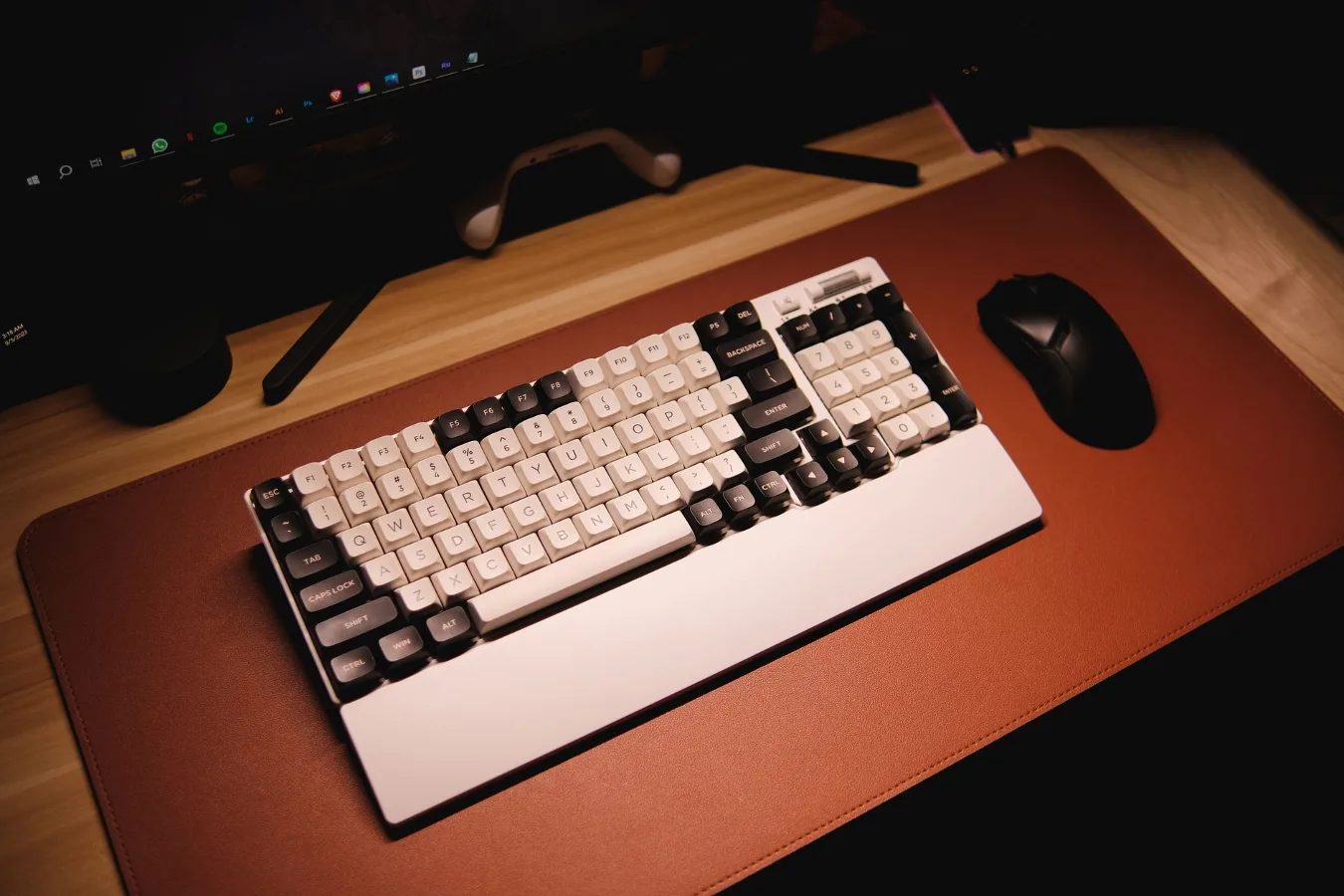
When a white gaming mouse mat makes sense
A white gaming mouse mat is a good choice if you want a cleaner desk look without giving up the practical benefits of a proper gaming surface. It fits especially well in minimalist setups, white PC builds, streamer desks, and workspaces where the mouse mat is visible as part of the room design rather than hidden under everything else. purple gaming mouse offers more detail on this point. gaming desk organization tips offers more detail on this point.
The appeal is not just aesthetic. A full-size or extended white mouse mat can help unify a setup, protect the desk surface, and give the mouse a consistent tracking area. The trade-off is that light colors tend to show dust, stains, lint, and discoloration more quickly than darker mats, so the right choice depends as much on maintenance habits as on appearance.
If you are shopping for one, the main question is not simply whether it is white. It is whether you want a mouse mat that looks clean on day one and stays acceptable with your actual daily use. That depends on material, surface texture, size, stitched edges, and how much friction you prefer under the mouse.
Start with the surface feel you want
For gaming, the most important decision is usually the surface finish. White mouse mats are sold in the same core categories as other gaming mats, but the visual color can distract buyers from the real performance difference.
Cloth surfaces
Cloth is the most common option for gaming mouse mats because it tends to offer a balanced feel. It usually gives enough glide for fast movement while still allowing control for precise aiming. For many players, that balance is more useful than chasing a very slick surface.
Cloth also tends to be more forgiving on the desk and quieter in use. The downside is that white cloth shows grime more easily, especially in areas where your wrist rests or where you move the mouse in the same pattern every day. If you want the look of white but less upkeep, cloth can still work well if you are comfortable with regular cleaning.
Hard surfaces
Hard mouse mats are typically chosen for speed and a very low-friction glide. They can work well for players who prefer quick flicks or a lighter touch. The trade-off is that they often feel less forgiving and may be less comfortable for long sessions if the surface is more abrasive or rigid.
With white hard mats, the appearance can stay clean-looking for longer because stains are less absorbed than they are in fabric. However, surface scratches, dust, and fingerprints may be more visible depending on the finish. If you want a bright, polished look and a slick tracking feel, this can be a strong option, but it is not the most comfortable choice for everyone.
Hybrid and specialty surfaces
Some mats use hybrid weaves, coated fabric, or textured performance surfaces that aim to combine control and speed. These can be attractive if you want a premium feel, but they are not automatically better just because they are newer or more specialized. Texture affects both glide and maintenance, and a more technical surface can also be more sensitive to wear or cleaning method.
Size matters more than the color label suggests
Many buyers focus on the white finish and overlook size until the mat arrives. That is a common mistake. A mouse mat that is too small can feel cramped, while an oversized mat can change the entire look and layout of the desk.
Think about how you use your desk:
- Small or compact mat if you only need a mouse surface and keep your keyboard elsewhere.
- Medium mat if you want a balanced amount of room without covering the whole desk.
- Extended desk mat if you want the keyboard and mouse on the same surface for a more unified setup.
An extended white gaming mouse mat is often the most visually striking option because it makes a desk look intentional and organized. It can also reduce desk noise and create a more stable base for both keyboard and mouse. The limitation is practical: a larger white surface reveals more of everything. Dust, crumbs, drink marks, and frayed edges become easier to notice, so the desk itself has to stay reasonably tidy.
Track your priorities: speed, control, or balance
A lot of buying advice for gaming mouse mats gets reduced to simple buzzwords, but the useful way to think about it is by movement style.
Speed-focused players often prefer a smoother, lower-friction surface that lets the mouse move with less resistance. This can be helpful in fast-paced games or for users who make broad pointer movements and want less drag.
Control-focused players often want a bit more resistance so the mouse stops more predictably. That can feel more stable for precision work, aim correction, and slower, deliberate motion.
Balanced users usually want a middle ground. For most people, that is the safest starting point, especially if they are not already sure what type of surface they prefer.
The color white does not determine performance, but it can change your tolerance for a surface. A white mat with a fine weave may look ideal in photos and still feel slightly different from what you expect in daily use. If you are sensitive to glide or texture, read surface descriptions carefully and avoid choosing by appearance alone.
Comfort and desk feel are easy to underestimate
Mouse mat comfort is rarely discussed as much as tracking performance, but it matters. If you use a wrist rest, rest your forearm on the mat, or spend long hours at the desk, the surface feel against the skin becomes part of the experience.
Cloth mats usually feel softer and are more comfortable for long sessions. Hard mats can feel more efficient for movement, but they may be less pleasant if your desk setup encourages your wrist or forearm to stay in contact with the mat. If you are buying a white mat for a clean aesthetic but plan to use it for work as well as gaming, comfort should carry more weight than pure speed.
Edge construction matters here too. Stitched edges can help prevent fraying and can make the mat last longer, especially on larger desk mats. But edge stitching that is raised too much may be noticeable on the wrist. A neatly finished edge is usually preferable, especially on a white mat where imperfect stitching stands out visually.
Maintenance is the real difference between white and dark mats
The biggest practical drawback of a white gaming mouse mat is upkeep. A white surface looks sharp when it is clean, but it also makes contamination obvious. That includes skin oils, dust, hair, food crumbs, beverage spots, and the gradual darkening that happens in high-contact areas.
Before you choose one, consider how you actually maintain your setup:
- If you like a tidy desk and clean it regularly, white can be very rewarding.
- If you snack at your desk or move your setup around often, a white mat may lose its fresh look quickly.
- If you want something that hides wear and dirt, darker colors are more practical.
Some white mats are easier to clean than others depending on the surface and materials used. Smooth cloth and coated surfaces may wipe down more easily than heavily textured fabric, but the trade-off can be feel and longevity. Always follow the manufacturer’s care guidance, because aggressive scrubbing, hot water, or strong cleaners can damage the finish or affect the surface texture.
Common mistakes when buying a white gaming mouse mat
A white mouse mat looks simple, but buyers often make predictable mistakes.
Choosing by color only
The most common mistake is treating white as the main feature and ignoring the surface characteristics. A beautiful mat that feels wrong for your mouse use will become an annoyance quickly.
Ignoring desk dimensions
Extended mats are popular, but they should fit the desk rather than dominate it. Measure your usable space, especially if you have a keyboard tray, monitor stand, or accessories that sit at the front edge of the desk.
Underestimating maintenance
White surfaces need more attention. If you do not want to clean your setup often, a white mat may not be the most realistic choice even if it looks perfect in product photos.
Overlooking mouse sensor compatibility
Most modern gaming mouse sensors work well on quality mats, but a very glossy, overly reflective, or unusually textured surface can sometimes feel less consistent than expected. If your mouse is older or very picky about tracking, a standard gaming cloth surface is usually the safer bet than a novelty finish.
How to choose the right white gaming mouse mat step by step
If you want a simple decision process, use this order instead of starting with style alone.
- Decide whether the mat is mainly for gaming, work, or both. That will determine how much importance to place on glide, comfort, and visual design.
- Choose your preferred glide level. If you are unsure, a balanced cloth surface is usually the most practical starting point.
- Select the size that fits your desk and hand movement. Extended mats work well for coordinated setups; smaller mats are better if space is limited.
- Check edge finishing and surface durability. Clean stitching and a well-made base matter more than flashy descriptions.
- Think about cleaning habits honestly. If the mat will sit near food, drinks, or pets, choose a surface that you can realistically maintain.
- Match the mat to the rest of the setup. White peripherals, light monitor arms, and a neutral desk can make the mat look intentional rather than accidental.
Situations where a white mat is the better pick
A white gaming mouse mat makes the most sense in setups where appearance and coordination matter nearly as much as performance. It works well if you want a clean aesthetic, a bright desk environment, or a neutral foundation that pairs with black, silver, or white peripherals.
It can also be a smart choice if you are building a themed workspace and want the desk surface to support that theme instead of competing with it. A light mat can make a smaller desk look less cluttered, especially when combined with cable management and a limited color palette.
On the other hand, if your desk tends to collect dust or sees heavy everyday use, the appeal of white may fade faster than expected. In that case, the best solution may be a light gray, off-white, or patterned mat that keeps the same clean look while hiding wear a little better.
Alternatives worth considering
If you are attracted to the look of a white gaming mouse mat but are worried about maintenance, a few alternatives may suit you better.
- Light gray mats offer a similar minimalist look with less visible staining.
- Off-white or beige mats can soften the look and hide discoloration more naturally.
- Two-tone designs can keep a bright aesthetic while disguising wear zones.
- Black or dark mats remain the most practical for heavy daily use and low-maintenance setups.
These alternatives are worth considering if the goal is a polished desk rather than a strictly white theme. Often, the best choice is the one that still looks good after months of real use.
Buying checklist for a white gaming mouse mat
Before you add one to your cart, use this quick checklist:
- Does the surface match your preferred glide and control balance?
- Is the size right for your desk and mouse movement style?
- Are the edges neatly finished and likely to resist fraying?
- Will the mat be easy enough to clean for your actual habits?
- Does the material feel appropriate for gaming, work, or both?
- Will the white finish still look good in your room lighting and desk environment?
If you can answer yes to most of those questions, the mat is probably a good fit. If not, the issue is usually not the color itself but the fact that the product is mismatched to the way you use your desk.
A practical final take
A white gaming mouse mat is most useful when you want a cleaner, more curated setup and you are willing to do a bit more upkeep. The best version is not necessarily the brightest or most stylish one. It is the one with the right balance of surface feel, comfort, size, and durability for your desk. best mouse pads for gaming offers more detail on this point.
For many buyers, a balanced cloth mat in the right size is the safest choice. For others, a smoother hard surface or an extended desk mat may make more sense. If the white look is the main reason you are buying, make sure the rest of the product still works for real daily use. That is what separates a desk accessory that looks good in photos from one that stays useful over time.
