
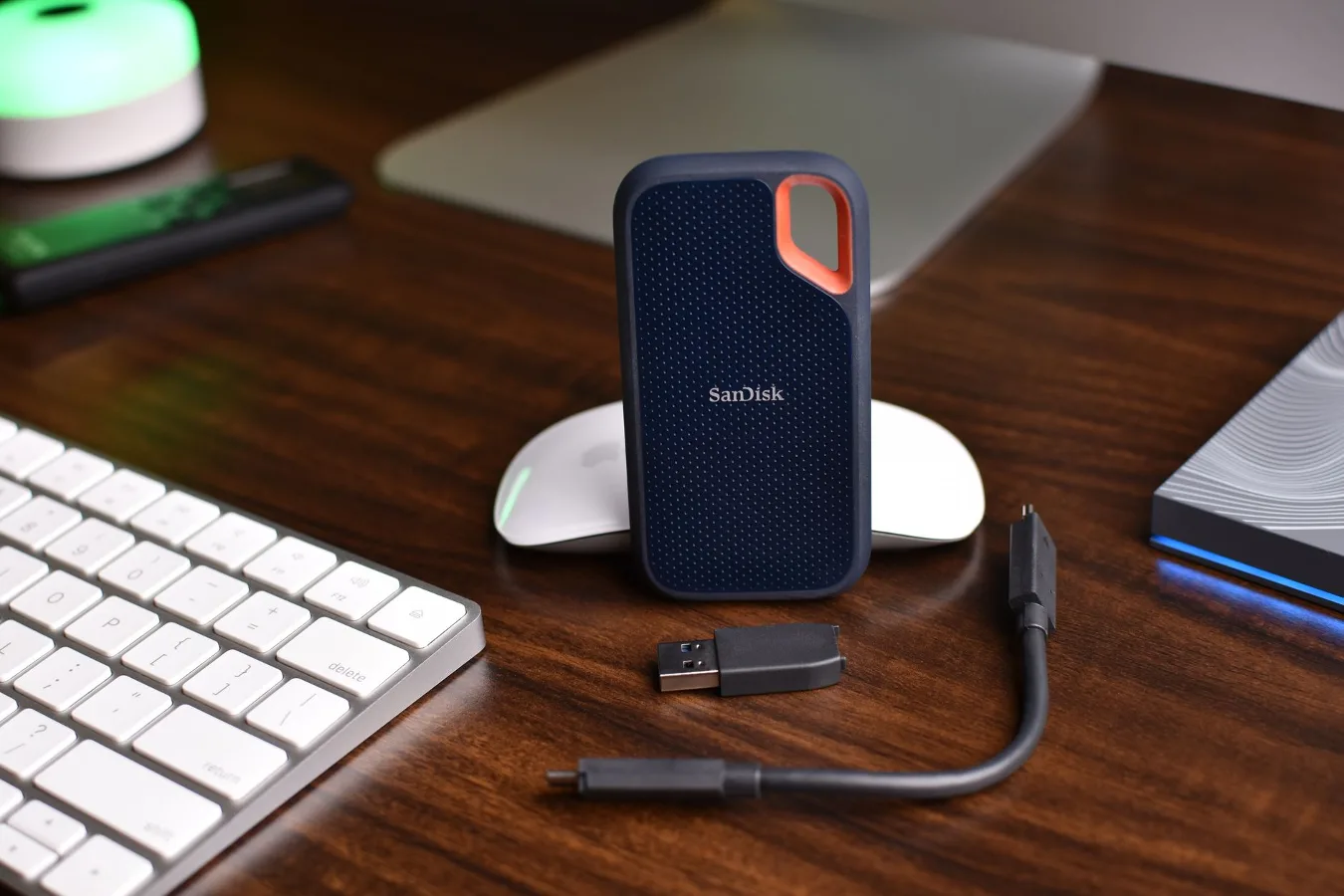
If you want an external SSD for Thunderbolt, the main appeal is straightforward: fast transfers, low-latency storage, and a cleaner fit for demanding workflows than a typical USB drive. For many buyers, the real question is not whether Thunderbolt SSDs are fast enough, but whether that speed matters enough for the way they actually use a computer. external ssd drive thunderbolt offers more detail on this point. how to choose the right external storage offers more detail on this point.
That decision depends on three things more than any marketing label: your computer’s Thunderbolt support, the type of files you move, and whether you need sustained performance for tasks like video editing or large project libraries. A good Thunderbolt SSD can feel dramatically quicker in the right setup, but only if the whole chain is compatible.
When an external SSD with Thunderbolt makes sense
Thunderbolt storage is most useful when you regularly move large files or work directly from the drive. That includes creative workloads, development environments, game libraries, and backup systems where speed and responsiveness matter.
It also makes sense if you are trying to keep a laptop setup minimal without giving up performance. A Thunderbolt SSD can serve as a working drive, a project archive, or a quick handoff device between machines. For people who bounce between office work and heavier tasks, that flexibility is often the main benefit.
On the other hand, if your needs are limited to document storage, photo offloading, or simple backup, a cheaper USB SSD may be the more practical choice. Thunderbolt is best treated as a performance purchase, not a default upgrade.
Step 1: confirm your device supports the right Thunderbolt standard
This is the first check, and it is easy to overlook. An external SSD can only perform as intended if your computer has compatible Thunderbolt support. Thunderbolt 3, Thunderbolt 4, and newer implementations are closely related in everyday use, but the device and cable details still matter.
Do not assume every USB-C port is Thunderbolt. Many laptops use the same connector shape for USB-C, USB4, and Thunderbolt, but the capabilities are not identical. If you plug a Thunderbolt SSD into a standard USB-C port, it may still work, but you may not get the speed or behavior you expected.
Check the port symbols, laptop specs, and the manufacturer’s documentation. If you use a dock, adapter, or hub, confirm that the drive is connected directly or through hardware that properly supports Thunderbolt data paths.
Step 2: match the drive to the way you work
Not all external SSD buyers need the same thing. The right choice depends on workload rather than raw benchmark numbers.
For video editing and large media projects
If you work with high-resolution footage, large photo catalogs, or layered creative files, Thunderbolt can help keep your workflow smoother. The key benefit is not just transfer speed, but the ability to access large files with less waiting between steps. That matters when you are opening project timelines, scrubbing media, or moving assets between applications.
For this use case, sustained performance is more important than a short burst of speed. Some drives are excellent on paper but slow down under longer writes. A creator-focused buyer should pay attention to enclosure design, thermal management, and the drive’s expected behavior during extended use.
For backups and general storage
If your main goal is backup, archive, or secondary storage, Thunderbolt may be more than you need. A fast drive is still useful, especially for large initial backups, but day-to-day use often involves only occasional file writes and reads. In that scenario, the premium for Thunderbolt may not deliver enough everyday benefit.
That said, if you back up multiple machines or large data sets, faster transfers can reduce how often you postpone the task. A backup drive that finishes quickly is easier to use consistently.
For portable work between systems
If you move the same drive between a Mac and a Windows laptop, flexibility matters as much as speed. File system choice, cable quality, and port support all affect how smooth that experience feels. A Thunderbolt SSD can be a strong portable option, but only if your setup is consistent across devices. portable drive buying guide offers more detail on this point.
What actually affects performance
Thunderbolt SSDs are often discussed as if speed were only about the interface, but the drive itself matters too. The enclosure, the internal storage type, and thermal handling all influence how the drive behaves in real use.
- Interface support: The connection between the computer and drive determines the ceiling for performance.
- Internal SSD type: Many external units rely on NVMe-based storage, which is designed for higher performance than older SATA-based designs.
- Enclosure quality: A well-designed enclosure can help maintain performance by managing heat more effectively.
- Thermal conditions: Long transfers can generate heat, and heat can affect how consistently the drive performs.
- Cable quality: A cable that is not rated appropriately can limit performance or cause connection issues.
A common misconception is that every Thunderbolt SSD will feel identical. In practice, one drive may be ideal for burst transfers while another is more stable for long editing sessions. The interface is only part of the story.
How to compare options without getting lost in spec sheets
Buying an external SSD can become confusing fast because product pages mix interface terms, storage standards, and marketing language. A practical comparison should stay focused on a few decision points.
- Check compatibility first. Make sure your computer actually supports Thunderbolt storage at the level you need.
- Decide whether your work is burst-based or sustained. Large copy jobs and editing workloads place different demands on the drive.
- Look at capacity with real usage in mind. Choose enough space for your active files, not just your current free space.
- Consider portability. Smaller drives are easier to carry, but compact designs can run hotter under load.
- Think about the cable and accessories. Some packages are more complete than others, and a poor cable choice can undermine the whole purchase.
- Balance speed against value. Thunderbolt is worthwhile when speed is central to the job, not just because it is the fastest-looking option.
One overlooked consideration: the drive may be faster than your workflow
This is a practical nuance that gets missed often. If your daily tasks involve browser files, office documents, or a modest photo library, the difference between a Thunderbolt SSD and a good USB SSD may be smaller than expected. You may pay for performance you rarely notice.
That does not make Thunderbolt a poor choice. It simply means the best buy is the one that matches your actual bottleneck. If the bottleneck is human workflow rather than transfer speed, a more affordable drive can be the smarter decision.
Examples of buyer profiles
These examples are not meant as product endorsements. They are a way to think about fit.
- Creative professional: Benefits from Thunderbolt if large project files, media previews, and working directly from the drive are routine.
- Frequent traveler: Values a compact, durable drive for portable work, but may prioritize reliability and cable simplicity over absolute speed.
- Home user with backups: May prefer a less expensive SSD unless they back up large data sets regularly.
- Power user with multiple machines: Can benefit from a fast shared drive, especially if the same storage needs to be moved between systems.
Common mistakes to avoid
Many Thunderbolt SSD purchases go wrong for predictable reasons. Avoiding these mistakes can save money and frustration.
- Buying before checking port support: A USB-C port is not automatically a Thunderbolt port.
- Ignoring cable requirements: The right drive can still underperform with the wrong cable.
- Choosing speed over stability: Fast burst performance is not enough if the drive is meant for long sessions.
- Overspending on capacity you will not use: Bigger is not always better if most of the drive stays empty.
- Assuming all external SSDs are the same: Interface, enclosure, and thermal behavior create meaningful differences.
Practical checklist before you buy
Use this checklist as a simple filter before making a final decision:
- Does your computer support Thunderbolt storage?
- Will you use the drive for editing, backup, or general file storage?
- Do you need sustained write performance or mostly short transfers?
- Is portability more important than a larger thermal headroom?
- Will the drive be shared across Mac and Windows systems?
- Do you already have a compatible cable, or is it included?
- Are you paying for performance you will not regularly use?
Alternatives worth considering
Thunderbolt is not the only path to fast external storage. Depending on your budget and workflow, a few alternatives may fit better.
USB SSDs are often the best value for everyday use. They are simpler, more widely compatible, and usually fast enough for backups, media libraries, and general portability.
Portable NVMe drives in USB or Thunderbolt enclosures can offer excellent flexibility, especially if you want to replace or upgrade the internal drive later.
Desktop external drives may be more appropriate if portability is not important and you need more capacity for archives or time-based backups.
The key trade-off is straightforward: Thunderbolt offers a stronger performance ceiling, while USB options usually win on compatibility and cost.
Why some buyers should skip Thunderbolt altogether
There are times when a Thunderbolt external SSD simply is not the right answer. If you only need a drive for occasional file transfer, lightweight backups, or school and office documents, the added cost and stricter compatibility requirements may not be justified.
That is especially true if your computer has limited port options, if you use multiple older systems, or if you plan to share the drive with people who may not have Thunderbolt support. In those cases, broad compatibility often matters more than speed.
A sensible storage purchase should reduce friction. If Thunderbolt adds complexity without solving a real problem, it is probably not the best fit.
Final way to think about the category
An external SSD with Thunderbolt is not just a faster portable drive. It is a tool for specific workflows where transfer speed, responsiveness, and sustained access to large files all matter. The best choice is the one that matches your hardware, your workload, and your tolerance for premium pricing.
If your files are large and your time is valuable, Thunderbolt can be a worthwhile upgrade. If your storage needs are routine, a solid USB SSD may deliver a better balance of cost, simplicity, and everyday usefulness.
