
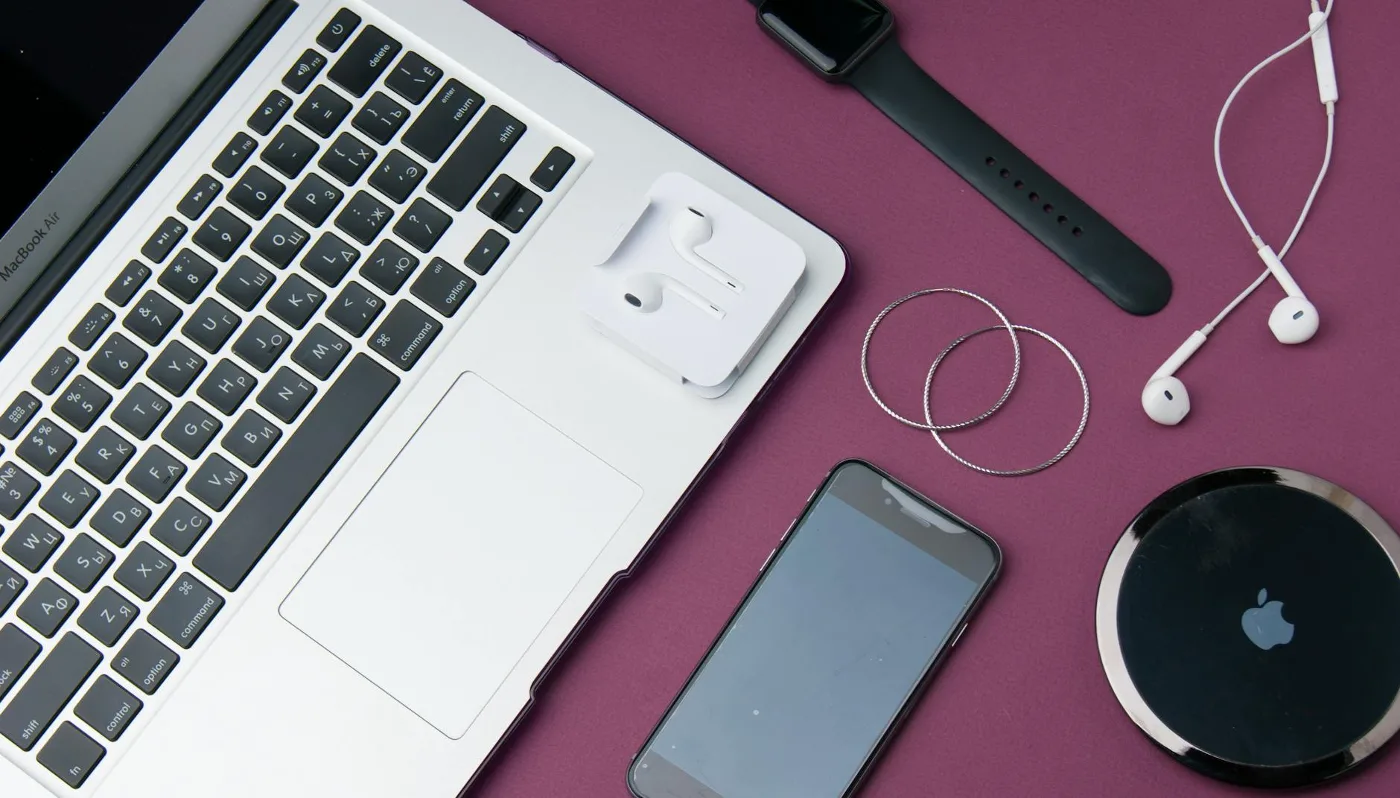
If you are searching for a laptop wireless charger, the first thing to know is that most laptops do not charge wirelessly in the same way phones do. In practical terms, the phrase usually points to one of three things: a wireless charging setup for laptop accessories, a desk station that powers a laptop through USB-C, or a future-facing idea that still has limited real-world support. wireless charging for phone accessories offers more detail on this point. 3 in 1 Magnetic Wireless Charger Guide offers more detail on this point.
For most buyers in the U.S., the best answer is not a true wireless laptop charger. It is a charging setup built around USB-C Power Delivery, a compatible adapter, and possibly a wireless charging pad for your phone, earbuds, or mouse. That distinction matters, because the wrong assumption can lead to wasted money and poor performance.
Who is really looking for a laptop wireless charger?
This search usually comes from one of a few buyer scenarios. Some people want to reduce cable clutter on a desk. Others want a cleaner travel kit. A few are looking for a charging solution that can handle both a laptop and smaller devices from one setup. The most important question is not whether wireless charging sounds convenient, but whether your laptop and your routine actually benefit from it.
If you mostly work at a fixed desk, a dock or USB-C charging hub may solve the problem better than any wireless pad. If you move between rooms, cafés, and meeting spaces, a compact USB-C charger and a small wireless pad for your phone can be more practical than trying to make the laptop itself wireless-charge.
The common misconception is that all modern devices are converging toward the same wireless standard. That is true for phones and some accessories, but laptop charging is still shaped by power demands, heat management, and connector design.
What a laptop wireless charger can and cannot do
Today, a true wireless charger for a laptop is not a mainstream option for everyday buyers. Most laptops need more power than standard wireless charging systems are designed to deliver efficiently, and they are usually built to charge through USB-C, barrel connectors, or proprietary adapters.
That means a wireless charging product may be useful in these ways:
- Charging smaller accessories near your laptop, such as a phone, earbuds, or stylus
- Keeping a desk tidier by reducing the number of visible cables
- Supporting a multi-device workspace where the laptop itself still uses a wired connection
And it may not be useful if you expect:
- Full laptop charging with a simple pad on your desk
- Fast, universal compatibility across brands and models
- A setup that replaces your laptop’s power adapter entirely
That gap between expectation and reality is the key trade-off. Wireless convenience is attractive, but laptops are still power-hungry enough that wired charging remains the standard for reliability and efficiency.
Best buyer scenarios for wireless-style laptop setups
For a cleaner desk
If your main goal is visual simplicity, the best setup is usually a USB-C charger or dock placed out of the way, paired with a wireless charging pad for your phone. This gives you the clean look you want without forcing the laptop itself into a category it does not fit.
For hybrid work
Hybrid workers often need a setup that transitions between home, office, and travel. A compact laptop charger, a small hub, and a wireless pad for small devices can reduce the number of items you carry. This is often more practical than searching for a single all-in-one wireless charger that may not truly support your laptop.
For students and shared spaces
Students often need something simple, durable, and easy to replace if forgotten. In shared environments, wired charging is still the safer default because it is broadly compatible and easier to borrow or swap when needed. A wireless pad may still help with phones, but it should be treated as a convenience accessory rather than the core charging method.
For frequent travelers
Travelers need to think about plug compatibility, portability, and cable management. A compact USB-C charger with the right wattage is usually a better travel choice than a bulky wireless station. If you want fewer cables in your bag, a wireless pad for accessories can help, but it should not replace the charger your laptop actually needs.
Material and spec factors that matter more than marketing
If you are comparing products, focus on specifications that affect day-to-day use rather than terms that sound futuristic. For this category, the most useful evaluation points are compatibility, wattage, heat, portability, and setup flexibility.
Compatibility
Check whether your laptop charges through USB-C and whether it supports charging over that port at all. Not every USB-C port is a charging port, and not every charger will supply enough power for every laptop. This is where model-specific compatibility matters more than broad claims.
Wattage and power delivery
For laptops, wattage is not a minor detail. A charger that is too weak may charge slowly, struggle under load, or fail to keep up while you are using the device. USB-C Power Delivery is the most relevant standard to look for when evaluating modern charging options. Matching the charger to your laptop’s requirements is more important than chasing a fancy feature list.
Heat and efficiency
Wireless charging generates more heat than a cable-based connection. For phones, that may be acceptable. For laptops, heat becomes a bigger concern because sustained charging and computing already produce warmth. More heat can mean less efficiency and more wear over time, which is one reason wired laptop charging remains the default.
Portability
If you move often, look at charger size, cable length, and whether the setup folds or packs easily. A wireless desk accessory can be nice at home, but a travel setup needs to fit into a bag without becoming messy or fragile.
Build quality and cable management
Solid build quality matters more than flashy design. A charger that sits securely, a cable that does not loosen easily, and a surface that keeps accessories from sliding around can make a bigger difference than appearance alone. For desk setups, cable routing may matter as much as charging speed.
Where wireless charging makes sense, and where it does not
Wireless charging makes the most sense when you want convenience for smaller devices and you value a tidy, low-friction workspace. It is especially useful for phones and earbuds that you place down frequently and pick up just as often.
It makes less sense when the device needs a large, stable power input. Laptops generally fall into that second category. Even if a product is described as a laptop wireless charger, you should read carefully to understand whether it truly charges the laptop or simply creates a wireless ecosystem around it.
A practical way to think about it:
- Use wireless charging for low-power, quick-drop devices
- Use wired charging for laptops and other high-power devices
- Combine both if you want convenience without compromising reliability
Common mistakes buyers make
Many shoppers make the same avoidable errors when looking for laptop charging solutions.
- Assuming every USB-C port supports charging. Some ports are data-only.
- Buying by form factor instead of power requirement. A slim charger is not helpful if it cannot meet your laptop’s needs.
- Confusing phone charging accessories with laptop charging hardware. A Qi pad may be perfect for a phone but irrelevant for a laptop.
- Ignoring heat and ventilation. Charging gear crowded under a laptop stand or inside a tight dock setup may run warmer than expected.
- Expecting one accessory to replace several functions. Sometimes the best setup is a small collection of simple tools, not a single do-everything device.
Practical alternatives to a laptop wireless charger
If your goal is convenience rather than strict wireless charging, several alternatives are worth considering.
USB-C charger
This is the most straightforward option for many modern laptops. It is portable, widely available, and usually easier to match to your device than a wireless concept product.
USB-C dock or hub
A dock can help simplify a desktop setup by combining charging, display output, and peripherals. This is often the best choice for a permanent workstation.
Portable power bank for laptops
If you need charging away from an outlet, a laptop-capable power bank can be more useful than a wireless product. The key is matching it to your laptop’s charging requirements and ensuring it supports your device’s power needs.
Wireless pad for accessories
If your real goal is a cleaner desk, consider a wireless pad for your phone and earbuds while keeping the laptop on a cable. That split approach is often the most realistic and least frustrating.
How to choose the right setup for your needs
The best choice depends on how you use your laptop. Start by identifying the main use case rather than the product category.
- Home office: Prioritize a reliable USB-C charger or dock with neat cable routing.
- Travel: Prioritize compact size, universal input compatibility, and durability.
- Shared desk: Prioritize easy plugging, broad compatibility, and fast setup.
- Minimalist workspace: Pair wired laptop charging with wireless charging for smaller devices.
If you are buying for a newer laptop, confirm whether the charging port supports USB-C Power Delivery and whether the charger can supply enough power for your model. If you are buying for an older or gaming laptop, a wireless laptop charger is even less likely to be the right solution, because many of those machines need higher-power or proprietary adapters.
The overlooked consideration here is workflow friction. A product can look cleaner on paper but be slower to connect, less reliable under load, or harder to replace later. Convenience is not just about removing wires; it is about making the whole charging routine easier.
What to do next
Before buying anything labeled as a laptop wireless charger, verify whether your laptop truly supports wireless charging or whether you really need a better wired setup. In most cases, the smartest path is to choose a quality USB-C charger or dock for the laptop and use wireless charging only for the devices that benefit most from it. laptop dock buying guide offers more detail on this point.
That approach gives you the best mix of reliability, portability, and everyday convenience. It also keeps you from overpaying for a category that may not fit your device in the first place.
FAQ
Can a laptop charge wirelessly?
Most laptops cannot charge wirelessly in the same way phones do. For everyday use, wired charging through USB-C or a dedicated adapter is still the standard.
What is a laptop wireless charger usually meant to charge?
It often refers to a setup that charges a laptop-related ecosystem, such as a phone, earbuds, or accessories near the laptop, rather than the laptop itself.
Is USB-C better than wireless charging for laptops?
For most laptops, yes. USB-C charging is more practical because it is widely supported, more efficient, and better suited to the power needs of a laptop.
What should I check before buying a laptop charger?
Check charging port compatibility, required wattage, portability, cable length, and whether your laptop supports charging through the port you plan to use.
What is the best alternative if I want fewer cables?
A USB-C dock or hub, paired with a wireless pad for your phone, is often the cleanest and most realistic solution.
