
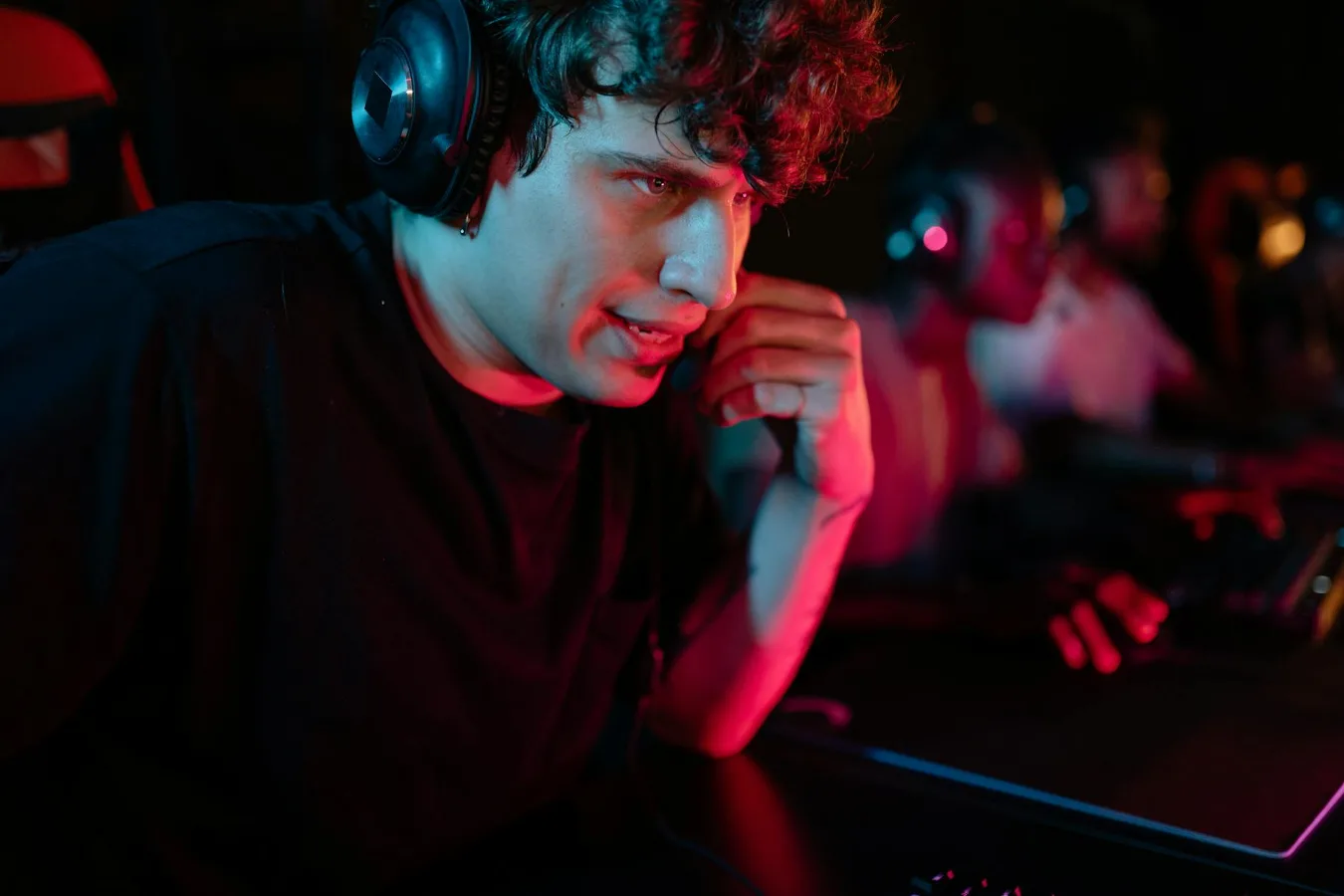
A personalized gaming headset is less about a flashy label and more about choosing a headset that matches your head shape, platform, play style, mic needs, and comfort preferences. If you want something that feels made for you, the smartest approach is to focus on fit, compatibility, audio tuning, and the details that affect day-to-day use.
The term can mean different things depending on the seller. Sometimes it refers to a headset with engraving, color choices, or swappable parts. Other times it means a model that is selected and configured around your specific needs. Either way, the real goal is the same: a headset that suits how you actually game, not just how it looks in a product photo. how to choose the right headset offers more detail on this point.
What matters most in a personalized gaming headset
If you are choosing a personalized gaming headset, start with the factors that affect comfort and performance every single time you use it. Custom looks are nice, but they should come after the basics are covered. comfort factors for long gaming sessions offers more detail on this point.
- Fit and clamp force: A headset can sound great and still be a poor choice if it pinches, slips, or presses too hard.
- Platform compatibility: PC, PlayStation, Xbox, Nintendo Switch, and mobile devices can all have different connection expectations.
- Microphone quality: Clear voice chat matters for multiplayer, streaming, and co-op games.
- Audio profile: Some players want stronger bass for immersion, while others prefer sharper directional cues for competitive play.
- Customization level: Personalization may include aesthetics, ear pad options, detachable cables, or software tuning.
- Wired or wireless use: This affects convenience, latency concerns, charging habits, and desk setup.
A common misconception is that personalization only means appearance. In practice, the most useful customization is often functional: better pads, better mic positioning, the right cable length, or software settings that match your games.
Step-by-step criteria to narrow your choice
A headset that feels personalized usually comes from a sequence of decisions rather than one big feature. Work through these in order and you can avoid paying for the wrong kind of “custom” experience.
1. Match the headset to your main device
Compatibility should be checked first because it can eliminate otherwise attractive options. Some headsets connect easily through USB, 3.5 mm, Bluetooth, or a wireless dongle, but not every connection type behaves the same way across every system.
For console players, the simplest setup is often the most practical. For PC users, there may be more room for software-based tuning and microphone control. Mobile gamers may care more about portability and a quick pairing process than about elaborate controls.
If you switch between devices, look for a headset that handles that transition cleanly. A headset that is excellent on one platform but awkward on another may feel personalized at first, then frustrating later.
2. Decide how you want it to feel on your head
Comfort is one of the most overlooked parts of headset personalization. Two people can wear the same model and have completely different experiences depending on head size, glasses, hair volume, and sensitivity to pressure.
Pay attention to the headband design, ear cup depth, padding material, and overall weight distribution. Soft pads can feel pleasant at first, but durability and heat buildup also matter. Breathable materials can help during long sessions, while thicker padding may improve isolation but trap more warmth.
If you game for extended periods, the right fit can matter more than a stronger microphone or extra lighting effects. Discomfort is one of the fastest ways to stop using a headset you otherwise liked.
3. Pick the sound profile that matches your games
There is no single best audio signature for gaming. A personalized gaming headset should reflect the kinds of games you play most often.
Competitive shooters and battle royale games often benefit from clear directional cues and clean midrange detail. Story-driven games, action titles, and single-player adventures may feel more immersive with richer bass and wider perceived sound. If you also use the headset for music or streaming video, a balanced tuning can be the most flexible choice.
Some headsets include software equalizer settings, game presets, or spatial audio features. These can help, but they are not a substitute for a headset that already suits your preferences. Extra processing can also be a drawback if it makes voices sound unnatural or complicates setup.
4. Consider the microphone based on how you communicate
Not every gamer needs the same mic setup. If you mostly play solo, a basic boom mic may be enough. If you regularly use Discord, in-game chat, or stream content, microphone clarity becomes much more important.
Detachable microphones can be useful if you want a cleaner look when you are not gaming. Flip-to-mute or mute-button controls are convenient, but only if they are easy to reach and clearly indicated. Noise suppression can help in busy rooms, although aggressive filtering can make your voice sound less natural.
One practical nuance: a microphone that sounds fine in a quiet room may struggle once fans, keyboards, or roommates enter the picture. If your environment is noisy, look closely at how the headset handles background sound rather than assuming every boom mic will perform the same way.
5. Choose wired or wireless for your routine, not for trendiness
Wireless gaming headsets appeal to players who want a cleaner desk and more freedom of movement. Wired models still make sense for people who want simple setup, no charging schedule, and fewer points of failure. Wired vs Wireless Gaming Headsets offers more detail on this point.
Wireless options can be especially appealing for couch gaming or mixed-use setups, but battery life, charging habits, and connection stability should all be part of the decision. Wired options may be the safer choice if you care more about consistency than convenience.
A personalized headset is not necessarily the most expensive one; it is the one that fits your routine. If forgetting to charge accessories bothers you, wireless may be a bad fit no matter how polished it looks.
Customization options that are actually useful
Some personalization features are purely cosmetic. Others can make a real difference in comfort, usability, and long-term satisfaction.
- Swappable ear pads: Useful for comfort, hygiene, and changing the feel of the headset.
- Adjustable headbands: Helpful for fit and pressure distribution.
- Detachable cables or microphones: Better for travel, storage, and replacement flexibility.
- Software EQ: Lets you shape the sound to match different games or media.
- Multiple connection modes: Convenient if you move between PC, console, and mobile use.
- Physical controls: Volume wheels, mute switches, and sidetone controls can make daily use easier.
Cosmetic personalization can still matter, especially if you want the headset to match a setup or reflect your style. But for most buyers, functional customization delivers the better return because it changes how the headset works, not just how it looks.
Common mistakes people make when buying one
Many buyers focus on the personalization angle and miss the basics. That usually leads to disappointment.
Choosing style before fit
A headset with a custom finish or appealing color scheme can still be a poor purchase if it presses too hard or feels unstable. Comfort should lead the decision.
Ignoring device compatibility
Some headsets look universal but behave differently across platforms. A feature that works on PC may not work the same way on console or mobile. Always confirm the actual connection path.
Overvaluing extra features
Lighting, companion apps, and decorative elements can add appeal, but they should not distract from sound, mic quality, or comfort. Extra features are easiest to appreciate when the headset already performs well.
Assuming every “gaming” headset suits gaming
Gaming branding does not guarantee good directional audio, a clear mic, or durable comfort. It is better to evaluate the design than to rely on the category label alone.
Forgetting about storage and care
If you plan to transport the headset, check whether it folds, whether the microphone detaches, and whether the materials seem likely to hold up over time. A personalized headset should still be practical to store.
Examples of what personalization can look like
The right kind of personalization depends on your use case. These examples show how priorities change from one player to another.
Competitive PC player
A player focused on ranked shooters may care most about directional awareness, a clear microphone, and a lightweight fit that stays comfortable during long sessions. Visual customization matters less than reliable audio and low distraction.
Console player in a shared living space
For a console setup in a living room or bedroom, a headset with easy controls, strong passive isolation, and a dependable wireless connection may be more useful than a highly technical software suite.
Streamer or chat-heavy player
Someone who spends a lot of time talking on stream or in voice chat may benefit from a headset with a detachable boom mic, sidetone control, and a mic that is easy to position consistently.
Casual multi-device user
If you switch between gaming, calls, and streaming video, comfort, portability, and broad compatibility may matter more than specialist tuning. In this case, a more balanced headset often makes the most sense.
Checklist before you buy
Use this short checklist to pressure-test your options before committing to a personalized gaming headset.
- Does it work with your main platform without awkward adapters or missing features?
- Will the fit likely suit your head size, glasses, and typical session length?
- Does the sound profile match the games you play most?
- Is the microphone clear enough for your voice chat or streaming needs?
- Do you prefer wired reliability or wireless convenience?
- Are the customization options useful, or mostly cosmetic?
- Can you replace or adjust the ear pads, cable, or microphone if needed?
- Will it be easy to store, carry, and clean over time?
If the answer to most of these questions is yes, the headset is probably personalized in a meaningful way rather than just marketed that way.
Alternatives if a personalized headset is not the best fit
A personalized gaming headset is not the only way to improve your gaming audio setup. Depending on your priorities, other options may serve you better.
- Standard gaming headset: A straightforward model can be the right choice if you want reliable basics without extra customization.
- Headphones plus separate microphone: This can offer better audio flexibility and mic upgrade potential for desktop users.
- Open-back headphones: Worth considering if you want a more spacious sound and usually play in a quiet room.
- Travel-friendly wireless earbuds: A practical option for players who value portability more than full over-ear comfort.
The best choice is the one that fits the way you actually use your gear. A headset can be personalized in appearance and still be the wrong tool for your room, platform, or communication habits.
Final decision-making insight
Personalization is most valuable when it removes friction. If the headset feels comfortable, works across your devices, supports your mic needs, and suits your sound preferences, the custom details become a bonus rather than the reason to buy.
That is the key difference between a headset that looks tailored and one that truly feels tailored. Start with fit and function, then decide whether the cosmetic and convenience features are worth it for your setup.
