
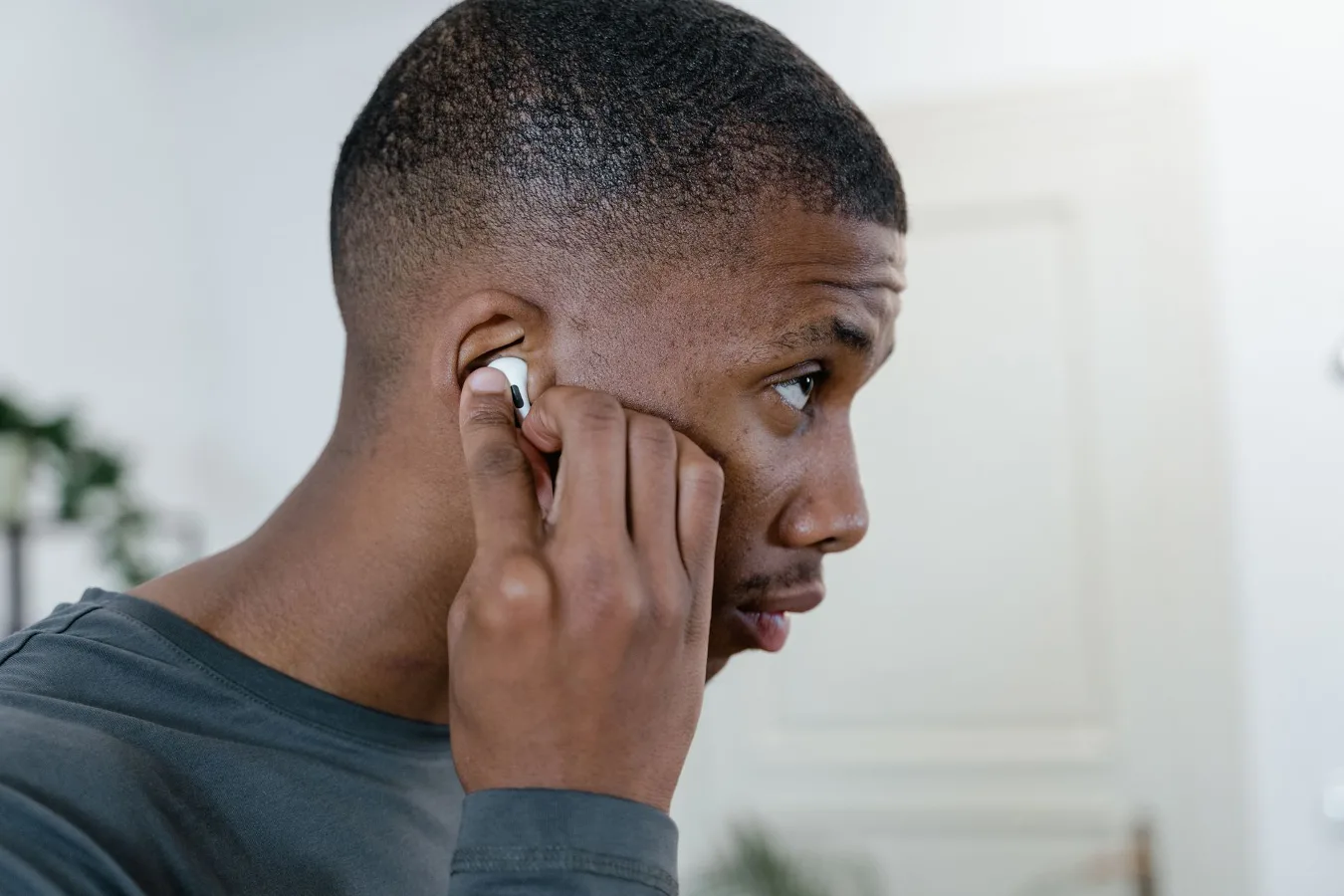
Wireless earbuds for TV viewing are a good fit if you want private listening, need dialogue to sound clearer, or share a room and do not want to raise the volume. The best setup is not just about the earbuds themselves. It also depends on how your TV sends audio, whether you can tolerate a small amount of delay, and how comfortable the earbuds feel during long sessions. best audio setup for TV streaming offers more detail on this point. wholesale wireless earbuds offers more detail on this point. pureboom wireless earbuds offers more detail on this point.
For most buyers, the right answer comes down to this: choose wireless earbuds for TV viewing only if they match your TV’s audio output and offer low-latency performance. If you skip those two checks, even a well-reviewed pair can feel frustrating because the sound may arrive slightly behind the picture.
Who wireless earbuds for TV viewing are best for
This category makes the most sense for people who watch TV in shared spaces, live in apartments, keep odd viewing hours, or want to reduce strain from constantly turning up the volume. They are also a practical option for anyone who finds dialogue hard to follow on built-in TV speakers.
They are less ideal if you want the room to feel cinematic. Earbuds can deliver focused sound, but they will not create the open, room-filling presentation of a soundbar or home theater system. That trade-off matters if your main priority is immersion rather than privacy.
The first decision: how your TV will connect
This is the most overlooked part of buying wireless earbuds for television. Many people shop for earbuds first and only later discover that the TV connection is the limiting factor. The earbuds may be fine, but the television or streaming device may not support the most convenient pairing method.
Direct Bluetooth from the TV
Some TVs can send audio directly to Bluetooth earbuds. That is the simplest setup, but it is not always the most reliable for TV viewing. Bluetooth can introduce delay, and not every TV handles headphone mode equally well. If your TV supports Bluetooth well and offers acceptable lip-sync, this can be the easiest route.
Using a Bluetooth transmitter
If the TV does not support Bluetooth, or if the built-in Bluetooth is inconsistent, a separate transmitter can be the better choice. A transmitter plugs into the TV’s audio output and sends sound to compatible earbuds. This adds one more device, but it often gives you more control and can help with latency management.
This option is common for people who want to keep their main TV speakers available while also using earbuds. It is also useful when you need a more dependable wireless connection than the TV provides on its own.
Streaming device or app-based audio paths
Some viewing setups route audio through a streaming box, console, or sound system rather than the TV itself. That can complicate earbud use. Before buying, check whether your main source device supports Bluetooth audio cleanly, or whether you will need a transmitter connected to the television instead.
Latency is the feature that matters most
For TV viewing, latency means the delay between the picture and the sound. With movies and dramas, a small delay can make dialogue feel disconnected from lip movement. With action scenes or sports, it becomes even more noticeable.
This is why generic wireless earbuds are not always the best choice for television. Many are tuned primarily for phones and music, where a little delay is less noticeable. For TV, low-latency behavior is a real advantage.
Look for earbuds and transmitters that are designed to reduce lag. Codec support can matter here, but only if both the source and the earbuds support it. Even then, real-world performance depends on the whole chain, not just one specification.
A practical mindset helps: if your setup is for casual late-night viewing and you are not sensitive to lip-sync, standard Bluetooth may be enough. If you watch dialogue-heavy shows or notice timing differences easily, prioritize a lower-latency setup from the start.
Comfort and fit matter more than many buyers expect
TV viewing usually means longer listening sessions than phone calls or short commutes. That makes comfort a serious factor. Earbuds that seem fine for twenty minutes may become distracting after a full episode or two.
Pay attention to the ear tip style, housing shape, and how securely the earbuds sit. A poor fit can create pressure, fatigue, or frequent readjustment. It can also affect sound quality, especially dialogue clarity and bass balance.
For many people, lightweight earbuds with a stable fit are preferable to models built mainly for exercise. Sweat resistance is less important for living-room use than comfort, battery stability, and a shape that does not press against the ear during extended wear.
If you often fall asleep while watching TV, comfort becomes even more important. Bulky earbuds can be annoying when lying on a pillow or turning your head. In that case, a low-profile design may be a better match than a feature-heavy model.
Battery life and charging habits
Because TV sessions can run long, battery life is more than a convenience feature. It affects whether the earbuds will last through a movie, a sports event, or a binge-watch session without interruption.
Consider both the earbuds themselves and the charging case. The case can extend total use time, but it only helps if you are willing to pause and recharge between sessions. If you watch for long stretches, you will want earbuds that offer enough single-charge endurance for your typical routine.
Also think about charging convenience. A pair that charges quickly or has a case you can easily keep near the couch may be a better everyday choice than one with slightly better specs but a more awkward charging setup.
Sound quality priorities for TV are different from music
For television, the most important sound quality trait is often dialogue clarity, not deep bass or wide stereo imaging. A balanced, clean midrange can make voices easier to follow. That matters more than a bass-heavy signature that sounds exciting but can blur speech.
That does not mean sound quality is unimportant. It means the best earbuds for TV viewing are often the ones that keep speech intelligible across different scenes, background music, and volume levels.
If you watch a lot of news, talk shows, or quiet dramas, clarity should rank above punchy low-end response. If you mainly watch action films, you may prefer a more engaging sound profile, but only if it does not sacrifice dialogue.
Noise isolation versus awareness of the room
Wireless earbuds naturally isolate more than open speakers, which is useful if you want to keep TV audio private. But stronger isolation can be a drawback if you need to hear a doorbell, phone, or other people in the room.
This is a real-world trade-off rather than a technical flaw. In shared homes, some users want to stay connected to the environment while still enjoying private TV audio. In that case, a less isolating fit or a transparency feature may be worth considering if the earbud model offers it.
For households where TV listening is purely personal, stronger isolation can be a benefit. It helps reduce outside noise and can make dialogue easier to hear at a lower volume.
Compatibility details that can save frustration
Before buying, check the practical compatibility points that often get missed:
- TV audio output: Does the TV support Bluetooth, optical audio, or a headphone jack?
- Codec support: Do the earbuds and transmitter support the same low-latency mode?
- Volume control behavior: Can you adjust volume from the earbuds, the TV, or both?
- Multi-device pairing: Will the earbuds stay connected if you also use them with a phone or tablet?
- One-ear listening: Can you use a single earbud comfortably if you want to stay partially aware of the room?
These details may seem minor, but they determine whether the earbuds feel seamless or annoying after a week of use.
Common mistakes people make
One common mistake is choosing earbuds based only on general wireless earbud reviews. A model that excels for commuting or workouts may not be ideal for TV because latency and dialogue clarity are different priorities.
Another mistake is assuming the TV’s built-in Bluetooth will work just as well as a dedicated audio accessory. Sometimes it does, but sometimes the delay, range, or reconnection behavior is disappointing.
A third mistake is overlooking comfort. People often compare battery life, brand names, and features, then discover that the earbuds hurt after an hour. For TV listening, fit and pressure matter more than many shoppers expect.
Finally, some buyers expect wireless earbuds to replace all other home audio. They are a private-listening solution first. If you want the most cinematic experience, a soundbar, surround speakers, or a headphone system designed for TV may be a better primary setup.
When earbuds are better than other TV audio options
Wireless earbuds make sense when you need privacy, have sleeping family members nearby, want to watch without disturbing neighbors, or need dialogue at a personal volume level. They are also useful when you do not want a larger audio system occupying space in the room.
Compared with over-ear headphones, earbuds can feel lighter and less bulky. Compared with speakers, they give you a private, low-disruption listening experience. That combination is what makes them appealing in apartments, shared homes, and late-night routines.
Still, if you value the broadest soundstage or long-session comfort above all else, over-ear headphones or a TV-focused wireless headphone set may be a better fit. Those options can be easier to wear for extended periods and may offer a more natural sense of scale for films.
What to look for in the materials and build
For TV use, materials matter less than for sports earbuds, but they still affect comfort and durability. Softer ear tips can improve the seal and reduce pressure. A compact charging case makes storage easier near the TV stand or couch. A simple, sturdy hinge and solid button or touch controls can also make daily use smoother.
If you expect to wear the earbuds frequently, build quality becomes a long-term value issue. A pair that feels flimsy or difficult to handle may become annoying faster than one with slightly fewer features but better ergonomics.
Also consider how easy the earbuds are to clean and store. Ear tips gather dust and earwax over time, so removable tips and a case that protects the earbuds from clutter are practical advantages.
A simple way to narrow the choice
If you are comparing wireless earbuds for TV viewing, use this decision order:
- Confirm how the earbuds will connect to your TV.
- Prioritize low latency if lip-sync matters to you.
- Choose a fit that stays comfortable for a full viewing session.
- Check battery life for your typical watch time.
- Favor clear dialogue over bass-heavy sound if you watch a lot of speech-driven content.
That sequence helps prevent the most common mismatches. It also keeps you focused on how the earbuds will work in your home, not just on a spec sheet.
Frequently asked questions
Can any wireless earbuds work with a TV?
Not always. The earbuds may pair, but the TV or source device also has to support the right connection method. Latency can also make some pairs feel unsuitable for television.
Are Bluetooth earbuds good for watching movies?
They can be, especially if the delay is low enough for your setup. Movies are usually more forgiving than fast-paced sports, but lip-sync still matters.
Do I need a transmitter for TV earbuds?
Only if your TV does not support Bluetooth well or if you want more reliable wireless audio. A transmitter can improve compatibility and sometimes make the setup easier to manage.
Are earbuds or headphones better for TV viewing?
It depends on comfort and use case. Earbuds are lighter and more discreet, while over-ear headphones often feel better for longer sessions and can offer a fuller sound presentation.
Next steps before you buy
Before choosing wireless earbuds for TV viewing, check your TV’s audio outputs, decide whether you are comfortable with Bluetooth or want a transmitter, and think about how sensitive you are to audio delay. Then compare comfort, battery life, and dialogue clarity against the way you actually watch TV.
The best choice is not the pair with the longest feature list. It is the one that fits your viewing habits, connects cleanly to your setup, and stays comfortable enough that you forget you are wearing it.
