
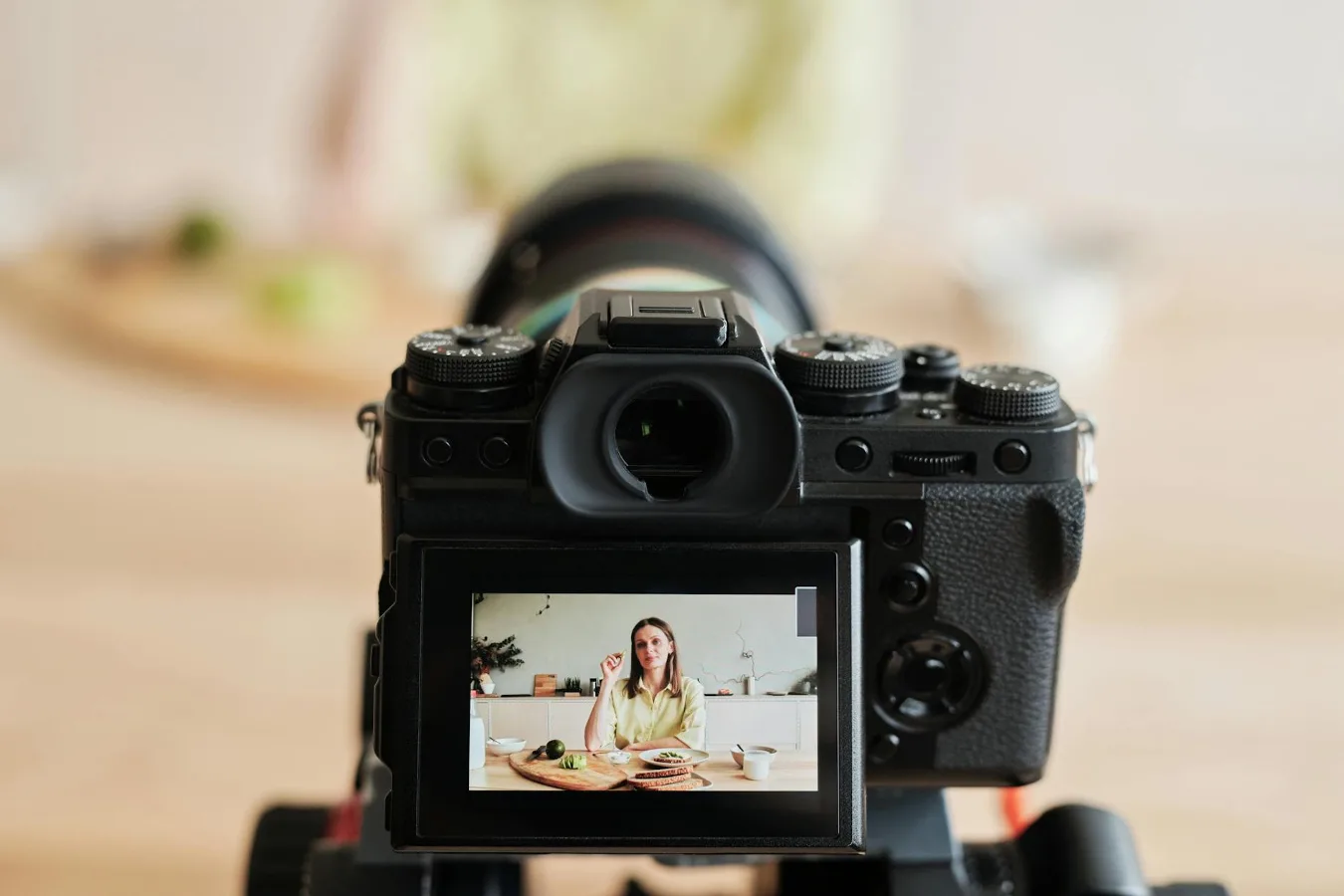
The best camera for vlogging with a flip screen depends on how you film
If you want a straightforward answer, the best camera for vlogging with a flip screen is usually one that combines a fully articulating display, dependable autofocus, usable audio inputs, and a body that does not become tiring to hold for long stretches. The flip screen helps you stay in frame, but it is only one part of a camera that needs to work well for talking-head videos, travel clips, product shots, and handheld footage. choosing a camera for YouTube videos offers more detail on this point. used vlogging camera for sale offers more detail on this point.
For most vloggers, the right choice is not about chasing the most expensive body. It is about matching the camera to the way you actually create content. A creator filming in a bedroom or studio has different priorities from someone recording while walking outdoors, shooting food content, or traveling with a small kit. That is why the best option can be a compact camera, a mirrorless camera, or even a more advanced hybrid model, depending on the setup.
The most useful way to shop is to focus on the features that affect everyday vlogging: screen design, autofocus behavior, stabilization, audio connectivity, battery life, portability, and lens flexibility. Those details matter more than a long spec sheet filled with features you may never use.
What a flip screen actually solves
A flip screen, usually a fully articulating or vari-angle display, lets you see yourself while filming. That sounds simple, but it changes the whole workflow. You can check framing, monitor headroom, verify focus, and see whether the camera has drifted off angle during a handheld take.
For solo creators, that feedback is valuable. It reduces the need to stop and re-record because of a cut-off forehead, poor composition, or accidental focus hunting. It also helps when you are filming with a tripod, desk mount, or handheld grip and cannot rely on someone else behind the camera.
That said, a flip screen does not automatically make a camera good for vlogging. Some cameras have a screen that flips, but their autofocus is slow, their audio is limited, or their bodies are awkward to hold for selfie-style video. The display helps you monitor the shot; it does not fix weak core video features.
Key factors that matter most for vloggers
Autofocus you can trust in motion
Autofocus is one of the first things to evaluate. Vlogging often means moving between talking to the camera, showing an object, walking outdoors, and changing distance quickly. A camera that keeps your face sharp without constant manual correction is far easier to live with. how autofocus affects vlogging offers more detail on this point.
Look for face and eye detection, quick subject acquisition, and smooth transitions when you lean toward the lens or step back. In practice, reliable autofocus is often more important than raw resolution because out-of-focus footage is much harder to salvage than footage shot at a slightly lower resolution.
Stabilization for handheld shooting
If you plan to vlog without a tripod, stabilization becomes a major decision point. Some cameras rely on optical image stabilization in the lens, some use in-body image stabilization, and some combine both. The right answer depends on how you film.
Handheld walking shots are especially demanding. Even a good stabilization system may not fully eliminate bounce or motion. For that reason, it helps to think of stabilization as a support feature rather than a complete solution. A small grip, a gimbal, or a wider shooting style may still be needed if you move a lot while recording.
Audio inputs and real usability
Vlogging is not only about image quality. If the camera cannot handle sound well, the footage feels amateurish even when the picture looks good. A microphone input is often the minimum serious vloggers want, especially if they record outdoors or in echo-prone rooms.
Some cameras also support headphone monitoring, which can be helpful when you want to catch background noise, clipping, or loose connections before you finish a shoot. Not every creator needs headphone monitoring, but it is a useful advantage for anyone who records interviews, narration, or longer takes.
Built-in microphones are fine for casual clips, but they are rarely the best choice if clean speech matters. A camera with a flip screen and weak audio options can still leave you frustrated.
Screen design and visibility
Not every flip screen works the same way. Some screens fully articulate to face forward, while others tilt in a way that is better for high- and low-angle shots than for selfie framing. For vlogging, the exact style matters.
A screen should remain visible even if you attach a microphone, top-light, or small accessory. Some setups block the display more than people expect. That is an overlooked issue, especially for creators who plan to use a hot shoe microphone or compact cage. If the screen is technically flip-capable but becomes hard to see once accessories are mounted, it is less useful in real life.
Portability and grip
Many vloggers underestimate how much the camera shape affects daily use. A body that is too large can become tiring, while a body that is too small may be hard to hold steadily. This matters most for handheld creators who film often and for long sessions.
Consider the balance between portability and handling. A pocketable camera may be easier to carry, but a slightly larger body can offer better ergonomics, better controls, and improved battery life. The best choice is usually the one you will actually bring with you, not the one with the most impressive lab-style spec sheet.
Battery life and charging workflow
Vlogging can drain power quickly, especially when you keep the screen flipped out, use continuous autofocus, or record longer clips. Battery life becomes even more important if you travel, shoot event coverage, or film multiple segments in one day.
Also think about charging convenience. USB charging or USB-C power delivery can be a practical advantage for creators who work from a desk, car, or portable battery bank. A great camera with awkward charging habits can slow down a production routine more than expected.
How to match the camera type to your style of vlogging
Choose a compact camera if simplicity matters most
Compact cameras can make sense for creators who want a smaller, easier package. They are often straightforward to carry, quick to power up, and less intimidating than a larger interchangeable-lens body. For casual travel content, day-in-the-life videos, and lightweight setups, that simplicity can be a real advantage.
The trade-off is flexibility. Many compacts are limited in lens choices, sensor size, or manual control. If your content may grow into more advanced product shots, low-light scenes, or stylized footage, that lack of expansion can become a limitation.
Choose a mirrorless camera if you want room to grow
Mirrorless cameras are a popular choice for vloggers because they often combine strong autofocus, better lens options, and more control over the final look. They can be a smart long-term choice if you want to move from basic talking-head videos into more polished creator content.
The drawback is complexity. More settings, more lenses, and more accessory choices can make the buying process feel overwhelming. A mirrorless camera is often the better platform, but not always the easiest first camera.
Choose a more advanced hybrid camera if video quality is a priority
Some creators care more about video flexibility than casual convenience. If that is your situation, a hybrid camera may be worth considering. These models typically offer stronger video features, better control over color and exposure, and wider accessory support.
The trade-off is cost, size, and learning curve. A hybrid setup can be excellent for serious creators, but it can also be overkill for someone who mainly films short social videos and wants something simple to carry every day.
Important trade-offs people often miss
One common misconception is that a flip screen alone makes a camera a good vlogging camera. In reality, the screen is only useful if the rest of the camera keeps up. Fast autofocus, manageable overheating behavior in real use, and a practical audio setup matter just as much.
Another overlooked consideration is lens choice. If you use an interchangeable-lens camera, the lens can dramatically change how easy the camera is to use for self-filming. A lens that is too tight can make indoor vlogging difficult, while a lens that is too bulky can make the camera feel less portable.
Low light is another practical constraint. Many vloggers film indoors, in cafes, or at night after work. A camera that performs well in bright daylight may still struggle when the light drops. If your content often happens indoors, think carefully about sensor size, lens aperture, and how much extra lighting you are willing to carry.
There is also the matter of overheating and recording limits. Not every creator will encounter these issues, but they can matter for long takes, warm climates, or extended interview sessions. If your workflow involves long continuous recording, you should treat thermal behavior as a real-world factor, not a minor footnote.
Practical solutions for different vlogging setups
For beginners
If you are new to vlogging, prioritize ease of use over advanced customization. A beginner-friendly camera should be simple to frame with, quick to focus, and easy to connect to a microphone if you decide to improve audio later. The goal is to remove friction so you can publish consistently.
For this type of user, a camera with intuitive menus, reliable autofocus, and a screen that clearly faces forward is often the best fit. You do not need every pro feature at the start. You need a camera that makes it easy to hit record and keep going.
For travel vloggers
Travel creators usually need a camera that balances size, battery efficiency, and versatility. A model that is too heavy can become annoying by the second day of a trip, while a camera that depends on lots of add-ons can slow you down.
Travel vlogging also rewards a screen that is easy to see in bright light. That is a small detail with a big effect. If you cannot check framing outdoors, the flip screen is less helpful than it first appears.
For desk-based or indoor creators
If most of your videos are filmed at a desk, the priorities shift a little. Audio input, autofocus stability, and screen visibility matter more than extreme portability. A camera that works well on a tripod and handles longer talking-head sessions can be a stronger choice than a tiny pocket camera.
In this setup, the ability to use an external microphone and manage lighting easily can be more important than travel-friendly dimensions.
For creators filming while walking
Walking vlogs are the hardest use case because they combine motion, changing light, and shifting audio conditions. If that is your style, stabilization and autofocus deserve extra attention. A flip screen helps you monitor framing, but it will not fully compensate for a shaky walking technique or a lens that struggles to track your face.
Creators who film this way may also benefit from a wider field of view and a lightweight rig. Those choices can make footage easier to stabilize and more forgiving if you do not hold the camera perfectly still.
A simple decision guide
If you want the shortest path to a good decision, start with your filming style and work backward:
- Choose compact if you want something small, simple, and easy to carry every day.
- Choose mirrorless if you want better lens flexibility and room to improve over time.
- Choose hybrid-oriented models if video quality, manual control, and expandability matter more than convenience.
Then check the practical basics: does the screen fully face you, does autofocus stay confident on faces, can you plug in a microphone, and will the camera still feel comfortable after several minutes in your hand? Those questions usually lead to a better purchase than comparing headline features alone.
If you already use your phone for casual clips, a dedicated camera makes the most sense when you want better control, stronger audio support, or a more polished look that your phone cannot easily match. But if your content is mostly quick social posts, a camera can be more gear than you need. The right choice should simplify your process, not complicate it.
Common mistakes to avoid
- Buying for the screen only: a flip display is useful, but not enough on its own.
- Ignoring audio: poor sound can ruin otherwise good footage.
- Choosing a camera that is uncomfortable to hold: ergonomics matter more than many buyers expect.
- Overlooking lens compatibility: especially important for interchangeable-lens systems.
- Assuming more resolution always means better vlogging: autofocus, stabilization, and handling often matter more.
- Forgetting your actual filming environment: indoor, outdoor, handheld, and desk setups all have different needs.
What the best choice looks like in practice
The best camera for vlogging with a flip screen is the one that fits your filming environment, your comfort level, and your content format. For some creators, that means a compact camera that is quick to grab and easy to use. For others, it means a mirrorless body with stronger lens options and better upgrade potential. For more demanding workflows, an advanced hybrid camera may be worth the added complexity.
What matters most is not whether the camera looks impressive on paper. It is whether it helps you record consistently, stay in frame, capture understandable audio, and edit with fewer avoidable problems. If a camera makes those steps easier, it is doing the job a vlogging camera should do.
For shoppers comparing options across the camera category, the best approach is to weigh the flip screen alongside autofocus, stabilization, audio support, portability, and how the camera handles your specific style of content. That balance will usually lead to a better purchase than chasing a single feature.
